System Restore
Hog iPC Handbook 67
Restoring the Hog iPC System Files
The Hog iPC console ships with a Hog iPC System Restore CD that contains information to use
in the event of a total hard drive failure. You can use this CD to restore the original installation
of Windows XPe and Hog
3PC/Hog 2PC/Hog iPC software.
Before You Begin
To restore your system files, you’ll need:
• Hog iPC System Restore CD
• Keyboard, either PS/2 or USB
Using the Hog iPC System Restore CD
1. Connect a keyboard to the console.
2. Put in your “Hog iPC System Restore CD” and reboot.
3. As the system boots up, press a key on the keyboard when you see the “Hit any key to
boot from CD…” message.
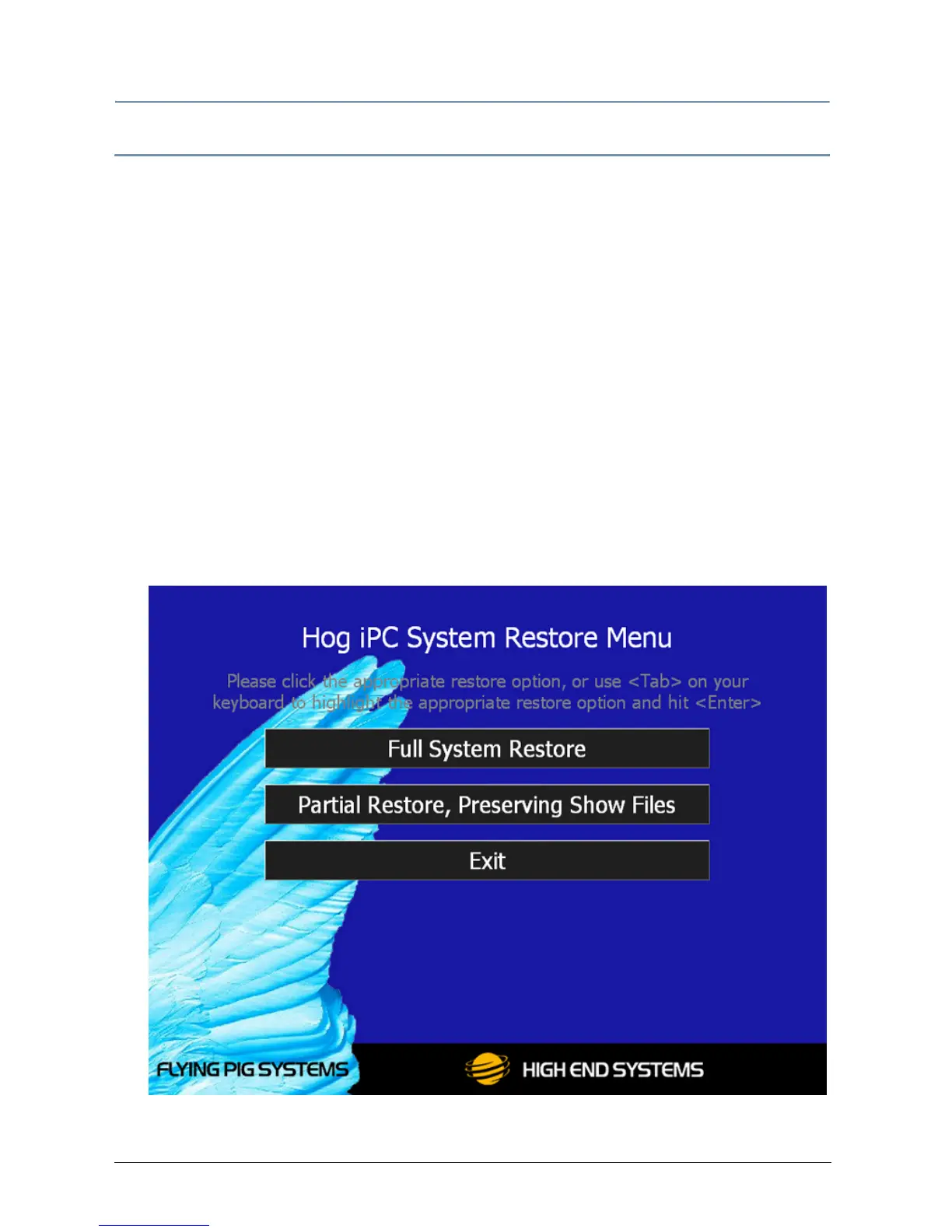
4. A recovery screen will prompt you to select a Full or Partial recovery.


 To Next Page