37 T560MANK5.DOCX
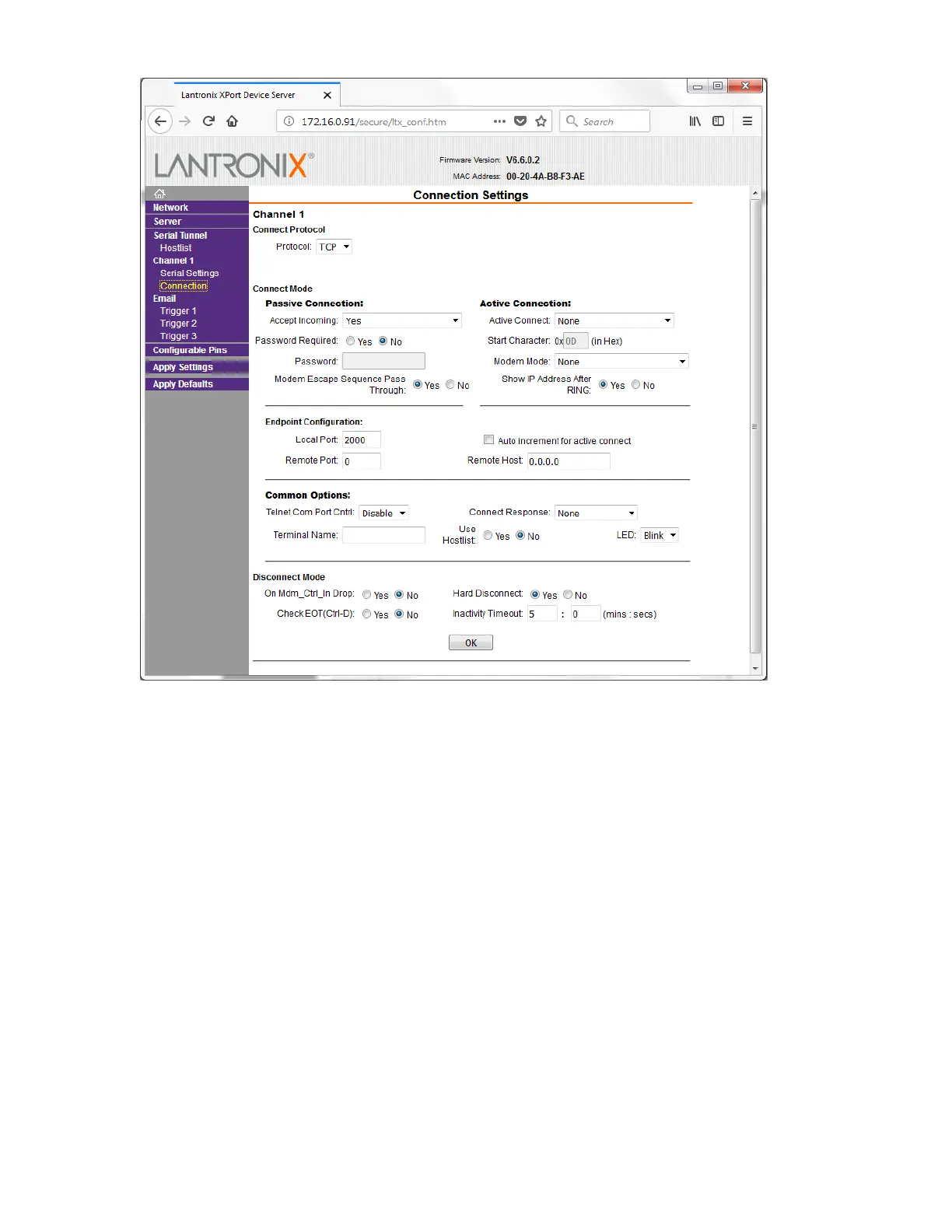
Figure 6-7. XPort Connection Settings
Note that the XPort allows only one TCP/IP connection to be open at any one time, and will
time out and disconnect after the time set for a hard disconnect. Enter 0 to disable
automatic disconnect. It is usually prudent to set up the XPort to disconnect after some
inactivity period to avoid having an inactive connection lock out access.
A periodic ping, such as sending a single null character every minute or so, will keep a
TCP/IP session open.



 To Next Page