3
Replace the thermal silicone
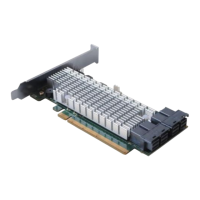
The following procedure uses the SSD7540 for reference.
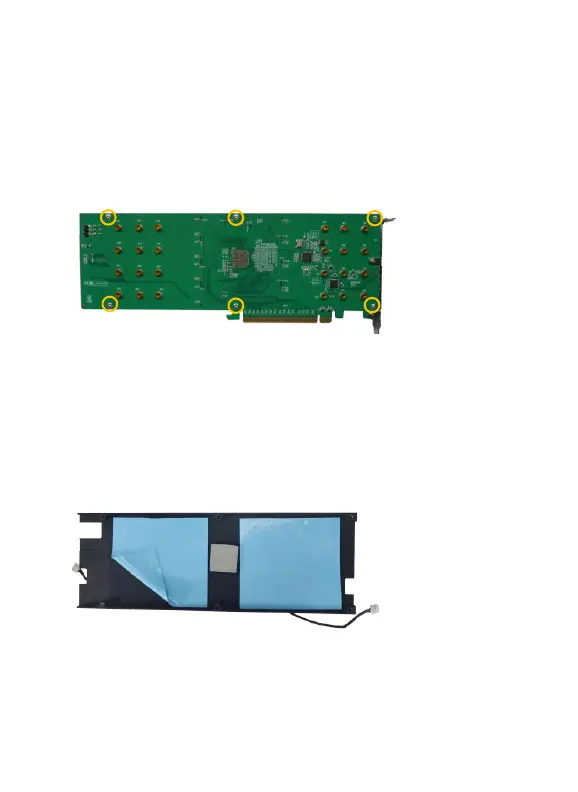
Step 1 On the rear of the SSD7540, remove the six screws that secure
the unit’s heat sink to the PCB.
Step 2 Inner side of heat sink: Starting from the bottom left-hand
corner, gently but firmly lift the edge of the silicone sheet and
pull it away from the surface of the heat sink. Repeat for the
second silicone pad.




 To Next Page