4
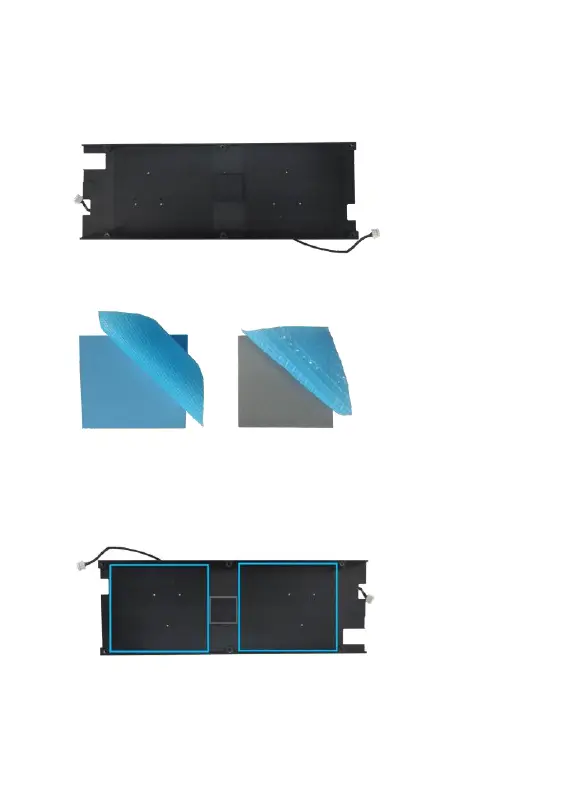
Step 3 If there is any residual silicone, you can use tools such as a
plastic scraper to carefully remove the material.
Step 4 Remove the blue film from each silicone pad.
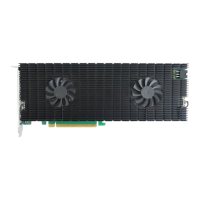
Step 5 As illustrated below, the replacement padding should be
aligned to correspond with the SSD7540’s M.2 ports (blue pads)
and chipset (smaller, grey pad).




 To Next Page