RocketRAID 2640X4 Web-RAID Management Interface
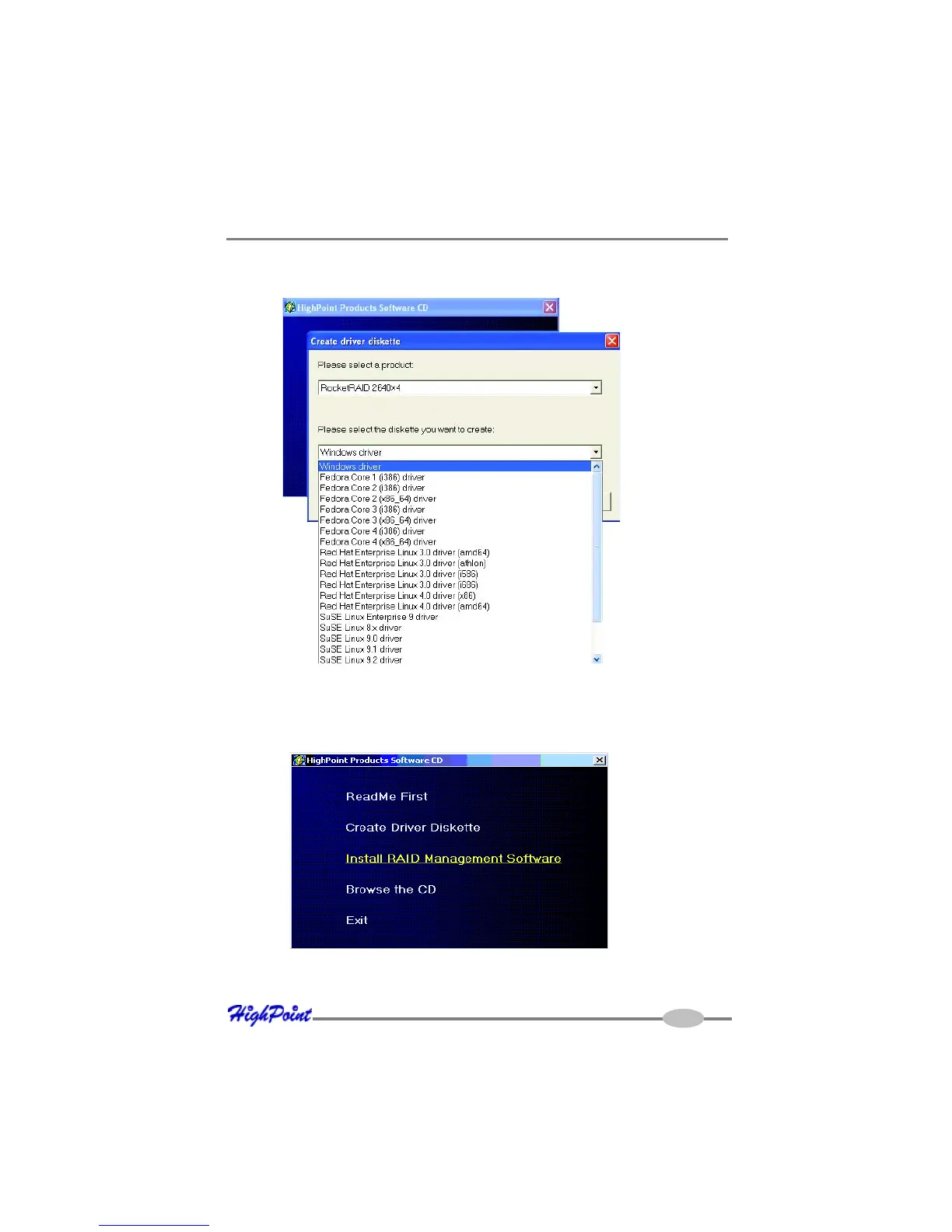
5. Click on the “Please Select the Diskette you want to create” drop-down button,
and select the appropriate OS from the list.
6. Click on the “OK” button to create the driver diskette.
To install the RAID software:
1. Click on “Install RAID Management Software”.
2. Select the desired software from the drop down menu, and click on the “OK”
button.
4-2



 To Next Page