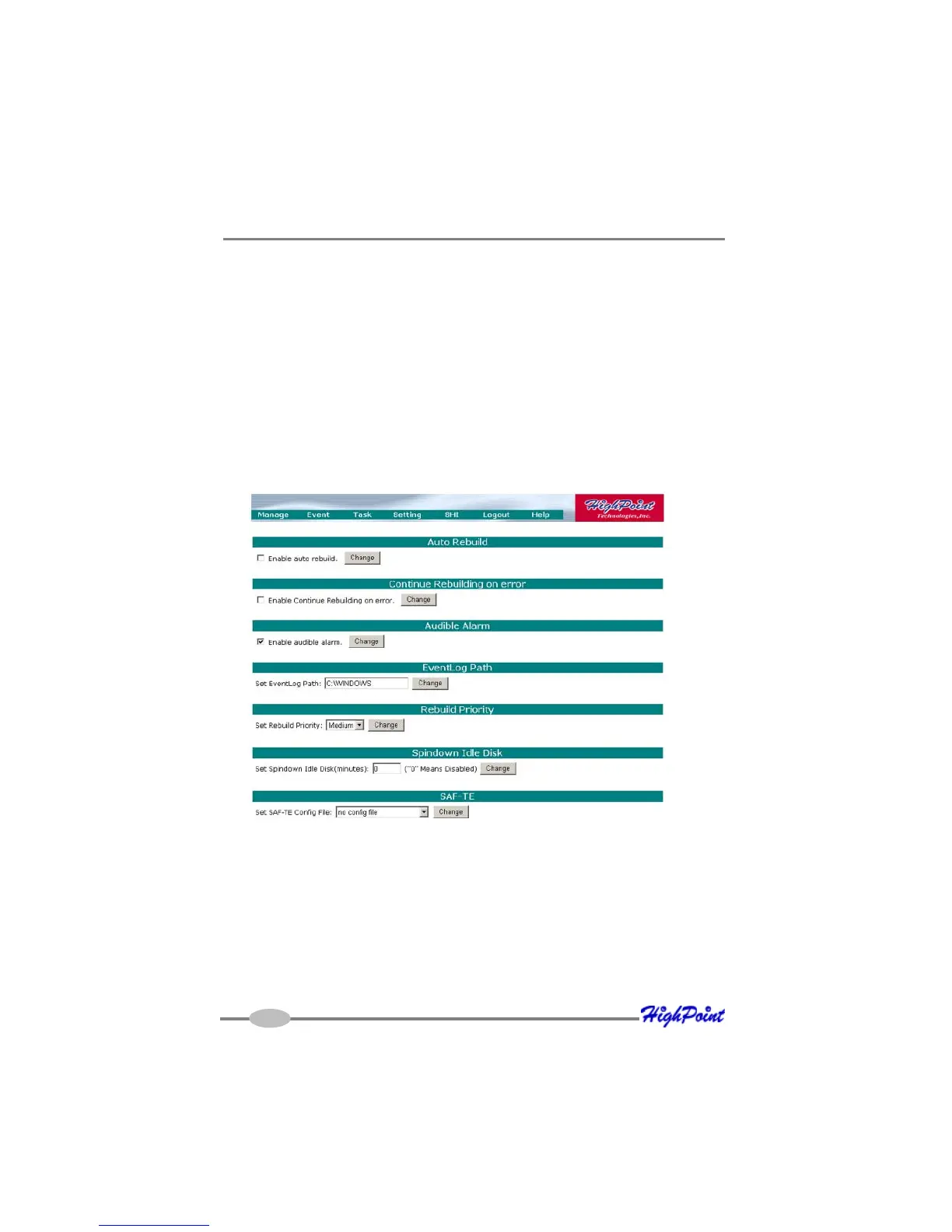
RocketRAID 2640X4 Web-RAID Management Interface
5-13
3. Configure the frequency for the task.
4. Check the Submit button.
Delete a Scheduled Task
To delete a task schedule:
1. Select a task from the Tasks List.
2. Click the Delete button.
7 - Settings
Select the “Settings” option to access Settings page.
Enable Audible Alarm
This setting enables and disables the RocketRAID host adapter’s alarm.
Listening Port
Change Listening Port
This is the TCP port number utilized by the HighPoint RAID Management Service in



 To Next Page