1 Installing the driver and RAID utility
Installing the package
1. Double click the package labeled “rr26xx-MacOSX-universal-vxxx.dmg” to start
the installation process (“xxx” refers to the revision of the driver). This will
open the driver and software packag.
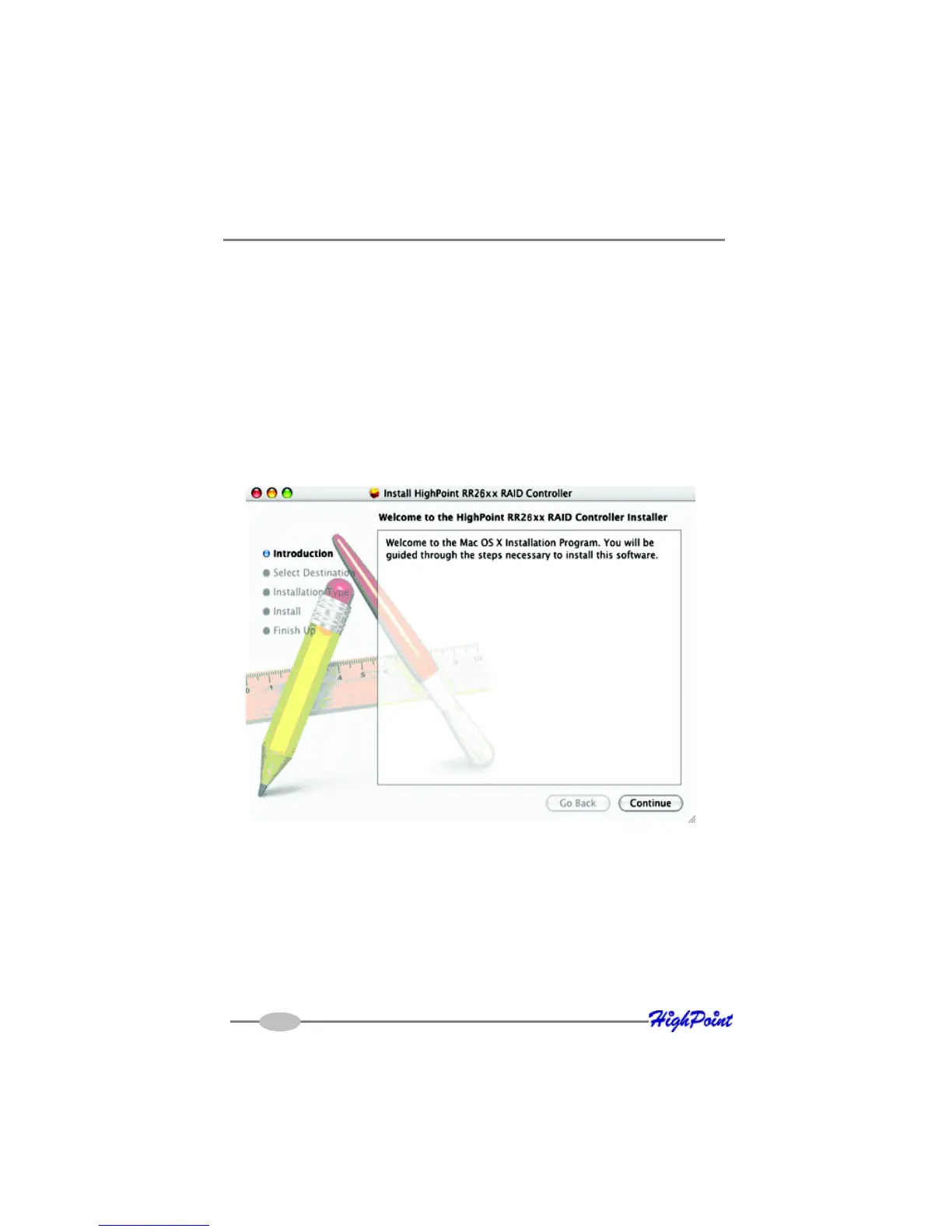
2. Double click the “rr26xx-MacOSX-universal-vxxx.dmg” file to start the installer:
3. When the Installer window opens, click the “Continue” button.
4. The installer will ask you to select a destination for the driver. Make sure to
select the boot Volume - the driver must be installed to /System/Library/Exten-
sions/ folder in order to function properly.
5. Click the “Install” button.
You will be prompted: “clicking the install button will install a basic installation of
the software package on your selected volume”. Confirm the prompt to install
the software package.
Mac OSX Driver
8-1



 To Next Page