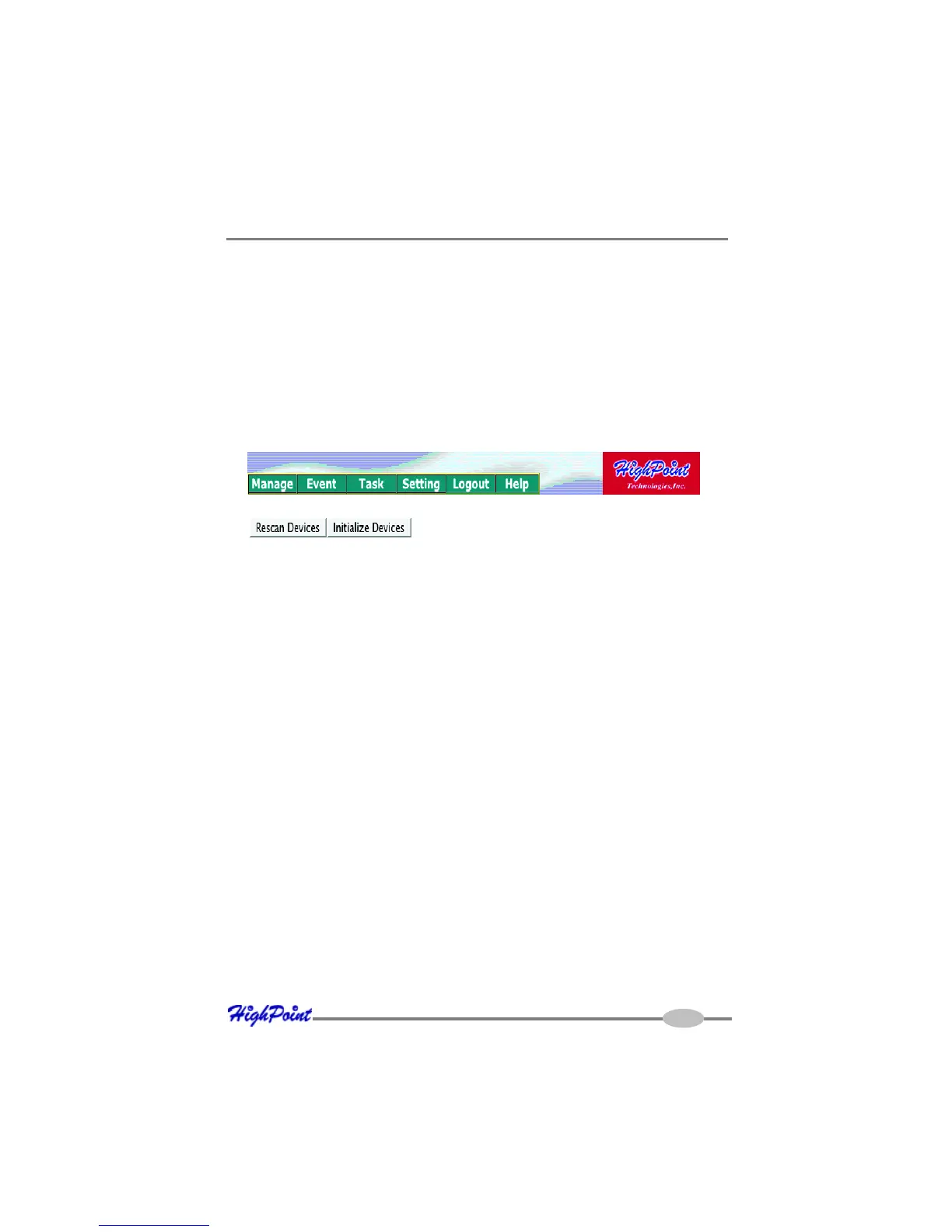
RocketRAID 2640X4 Web-RAID Management Interface
5-2
2 - Preparing Hard disks
Disks must be initialized before they can be configured into RAID arrays.
Initializing hard disks:
1. Select the “Manage - Device” function to access the device management page.
2. Click on the “Initialize Devices” button towards the upper portion of the interface
screen.
3 - Array Management
Creating an Array
To create an array:
3. Checkmark each disk you wish to initialize, and click the “Submit” button.
Warning: initializing disks may delete data stored on the selected disks.



 To Next Page