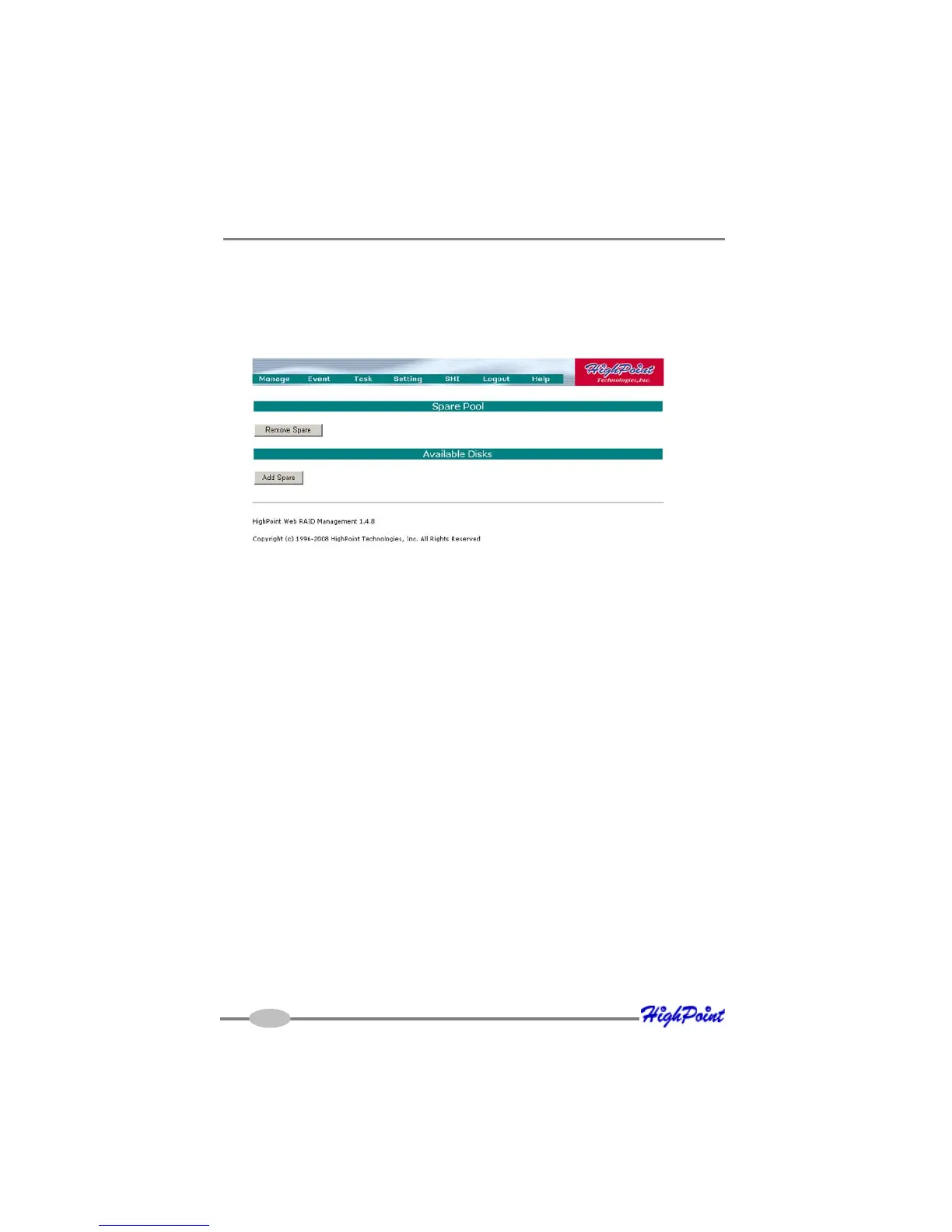
RocketRAID 2640X4 Web-RAID Management Interface
5-11
Adding a Spare Disk
To add a spare disk, select a disk from the Available Disks list and click Add Spare
button. This will add the disk to the Spare Pool list.
Removing a Spare Disk
To remove a spare disk, select it from the Spare Pool list and click the Remove Spare
button. This will remove the disk from the Spare Pool list.
6 - Managing Events and Tasks
The HighPoint Web RAID Management Software automatically logs all controller
related events that have occurred (for all controllers/cards managed by the software).
In addition you can configure E-mail Notification to receive information about these
events (see Section 7 Settings)
View Events
To view logged events, Please select “Event” from the menu. The Event Management
page will be displayed.
5 - Configuring Spare Disks
To configure spare disks attached to the RocketRAID card, select the “Manage -
Spare” function. The Spare Pool Management page will be displayed.



 To Next Page