RocketRAID 2640X4 Hardware Description/Installation
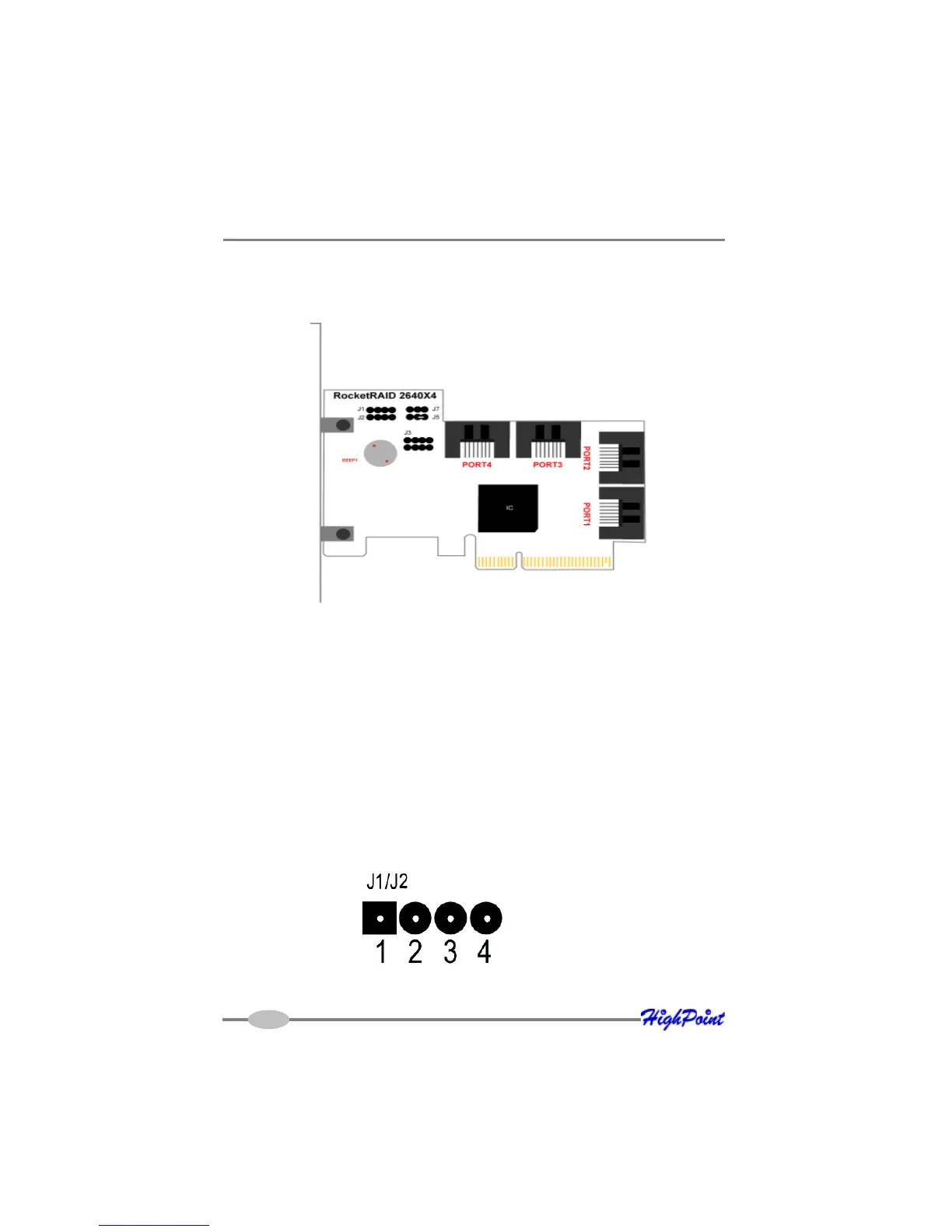
1 – RocketRAID 2640X4 Host Adapter layout
RocketRAID 2640X4
Port1- Port4
These represent the host adapter’s four SAS channels.
2 – LED Connections
LED connectors (disk-activity/disk-failure): LED support is discussed in greater detail
in the LED Connection section. The RocketRAID 2640X4 host adapter has two LED
jumpers that are used to indicate the activity and failure status of hard disks attached
to the card’s four SAS channels.
3 – Pin Connections
J1, J2
J1 provides LED support for Disk Activity, while J2 supports Disk Failure.
2-1
Pins 1-4 represent each SAS channel/port (Pin 1 = Port 1, Pin 2 = Port 2, etc.).



 To Next Page