6
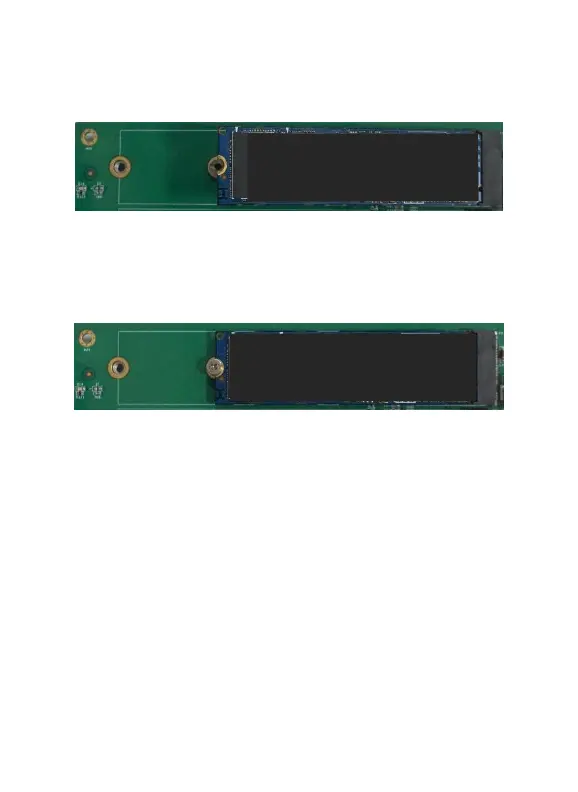
Step 5. Gently insert the SSD into the slot.
Note: Please make sure all disks are clean before you insert them
into the slot to avoid unexpected situations.
Step 6. Refasten the screw to secure the SSD.
Repeat Steps 4 to 6 to install the remaining SSDs.
Note: Make sure the SSD’s are carefully, but securely installed
into each M.2 port. Loose connections can cause a variety of
stability and performance issues, and may ultimately result in data
loss.
The following example shows four M.2 SSDs installed into Ports 1-4:















 To Next Page