7
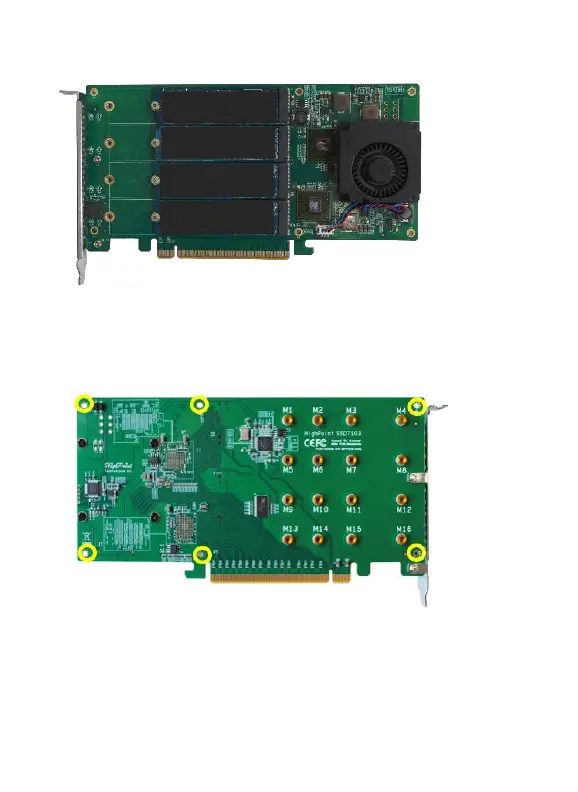
Step 7. Replace the front panel after installing all SSDs
Step 8. On the rear of the SSD7103, refasten the 6 screws that were
removed in step 1.
Note
:
Make sure the aluminum cover is properly aligned with the
controller board (PCB), and that it makes full contact with the thermal
pad, before refastening it to the SSD7103. If the cover is improperly















 To Next Page