4
SSD7105 Hardware Installation:
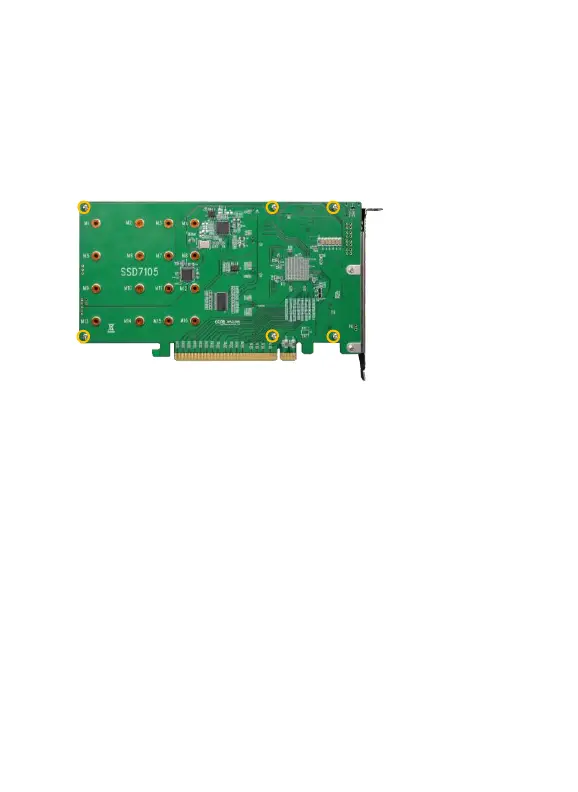
Step 1. On the rear of the SSD7105, remove the six screws that secure
the unit’s heat sink to the PCB.
After removing the screws, carefully remove the heat sink from the
SSD7105.
Step 2. After removing the casing, carefully turn it over to view the
thermal pad. The blue film must be removed from the pad before
reinstalling the panel. This film protects the pad from damage and foreign
objects prior to installation, however, it can also prevent the thermal pad
form conducting the heat away from the NVMe SSDs if we don't remove
it.















 To Next Page