5
Repeat Steps 4 to 6 to install the remaining SSDs.
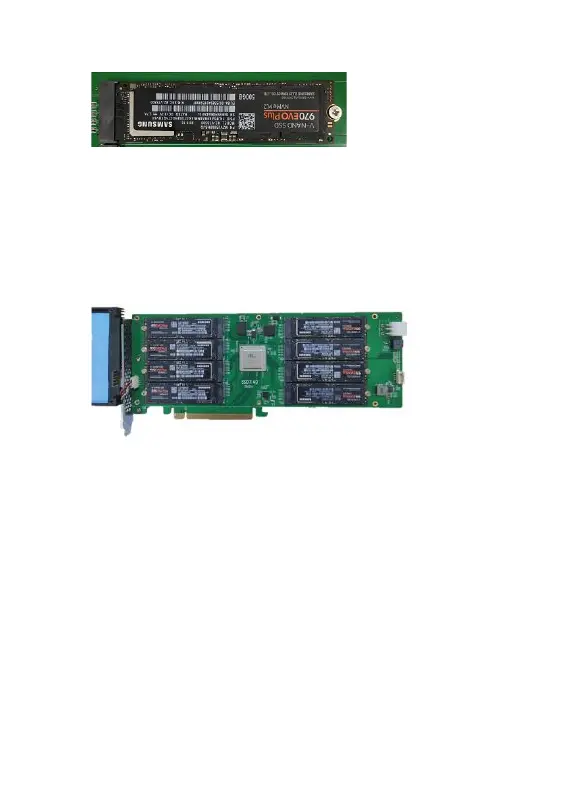
The following example shows eight SSD Samsung 970 EVO PLUS
PCIe Gen3 SSDs installed into Ports 1-8:
Step 7. After installing all SSDs, carefully flip the heatsink to the right.
Note: Make sure each SSD is carefully aligned and fastened to the
SSD7140 using the supplied screws. Loosely attached SSDs may
not be detected by the SSD7140 or host system.
Step 8. Carefully reinsert in the power supply cable of the cooling fan
that was removed in step 2.















 To Next Page