HighPoint NVMe G5 Data RAID Installation Guide (Linux)
10
Updating the Driver
As of May 2022, current open-source driver releases include our Auto-Compile feature – auto compile checks
the kernel version each time the system is booted to ensure compatibility. If a new kernel is detected, Auto
Compile will check our online database for required updates and automatically compile a new driver.
The latest open-source driver is available from the Software Downloads web pages. If you want to manually
update using this download, please follow the procedure below.
1. Prerequisites
a. Ensure that NVMe product is installed into the motherboard.
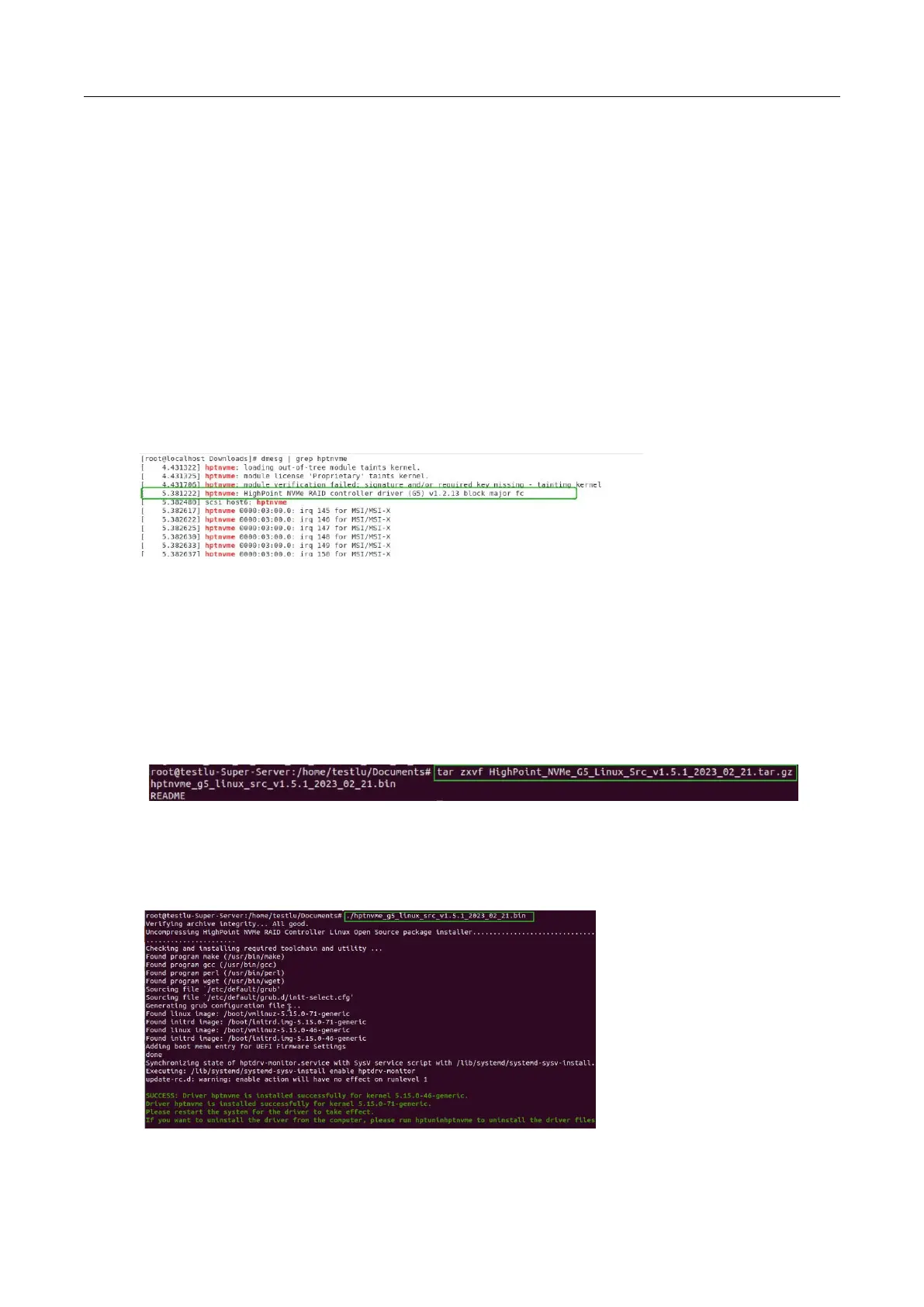
b. Open the system terminal with root privileges to check the current driver version by using the
following command: dmesg | grep hptnvme.
The screenshot below shows driver version v1.2.13 is installed:
2. Updating the driver
a. Open the directory where the latest driver version is located and open the system terminal with root
privileges. Execute the following commands to complete the installation. The illustrated driver
version is v1.5.1.
b. Extract the Linux Opensource Driver software package using the following command:
tar zxvf HighPoint_NVMe_G5_Linux_Src_vx.x.xx_xx_xx_xx.tar.gz
c. Make sure the system has an active internet connection. To manually install the latest Open-source
Driver, open the system terminal with root privileges and enter the following command:
./hptnvme_g5_linux_src_vx.x.xx_xx_xx_xx.bin















 To Next Page