HighPoint NVMe G5 Data RAID Installation Guide (Linux)
11
d. After the driver installation is complete, the system will prompt you to restart to allow the new driver
to take effect. Please manually restart the system.
Note: for more information about this procedure, please consult the readme file included with each
Openn-source download.
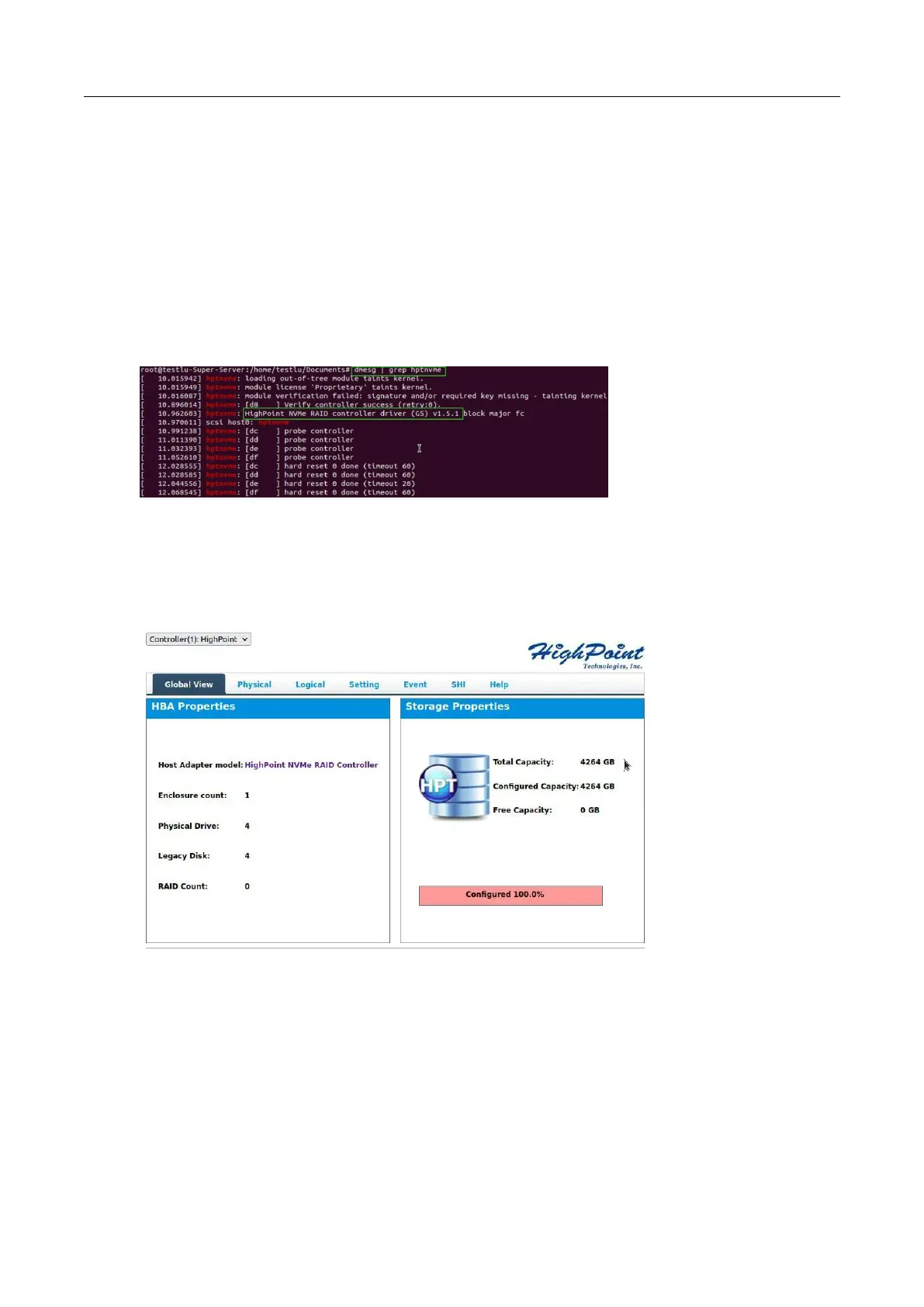
e. Once the distribution has rebooted, open the system terminal with root privileges and check the
current driver version using the following command.
dmesg | grep hptnvme.
The screenshot below shows driver v1.5.1 is installed:
f. Open the WebGUI to make sure it can connect to the NVMe product and recognize the NVMe
SSD’s/RAID array.
g. As shown below, the new driver has been successfully installed and loaded at bootup – the WebGUI
can connect to the NVMe product and recognize the SSD’s and RAID array.















 To Next Page