HighPoint NVMe G5 Data RAID Installation Guide (Linux)
12
Uninstalling the Driver
1. Prerequisites
a. Power off the system and remove the NVMe product from the motherboard.
Note: failing to remove the NVMe product and SSDs when uninstalling the driver may result in
data loss. The Linux distribution will load the default NVMe support after the HighPoint Linux driver
has been uninstalled – this driver will only recognize the NVMe SSD’s as separate disks.
2. To uninstall the driver:
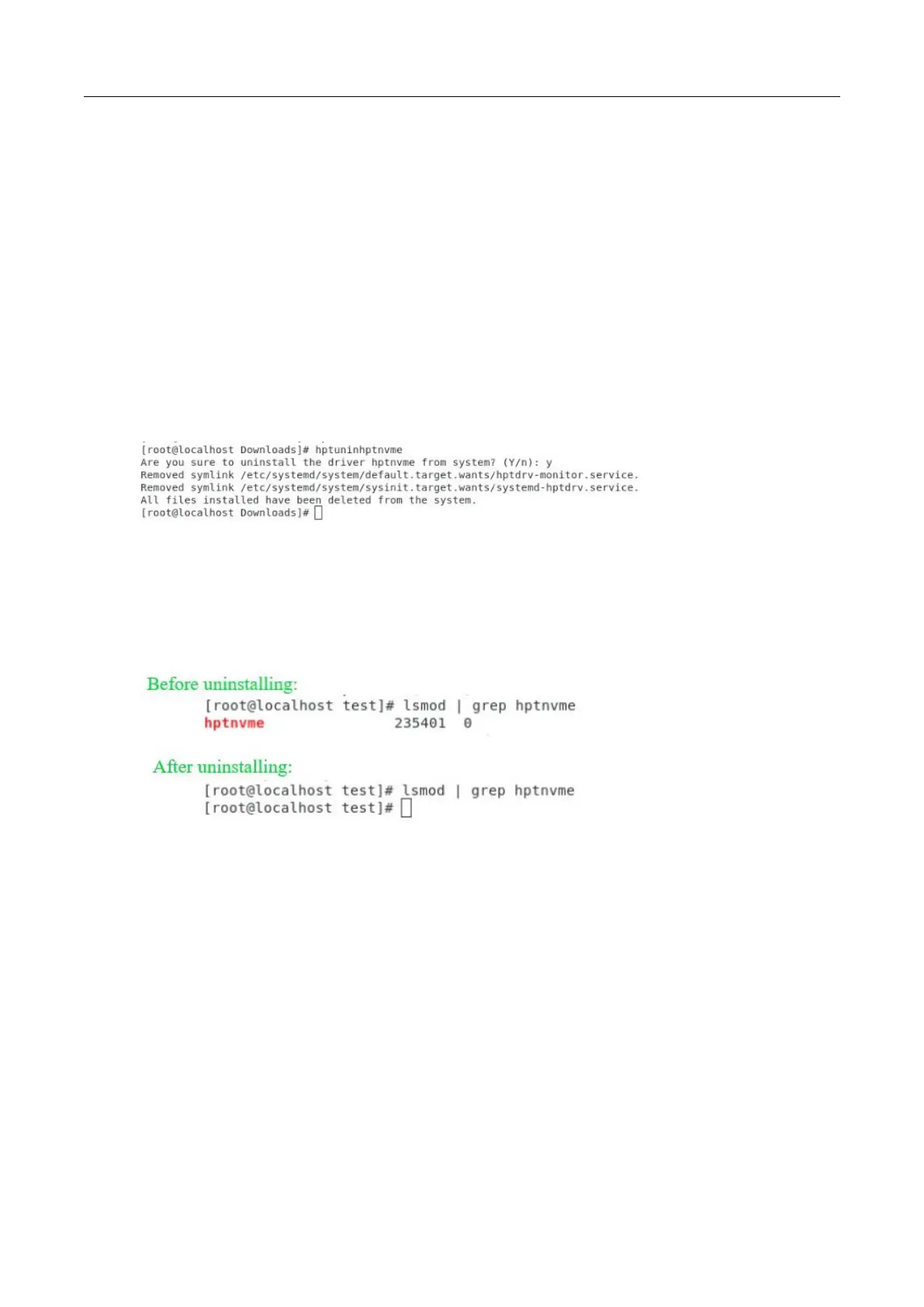
b. Open the system terminal with root privileges. Enter the following commands to uninstall the driver:
hptuninhptnvme
c. Press ’Y’ to confirm.
d. After uninstalling the driver, manually reboot the system.
e. After the distribution has rebooted, open the system terminal with root privileges. And enter the
following command to check the driver status:
lsmod | grep hptnvme
f. If the system does not display information about “hptnvme”, the driver has been successfully
uninstalled.















 To Next Page