HighPoint NVMe G5 Data RAID Installation Guide (Linux)
15
Troubleshooting
WebGUI
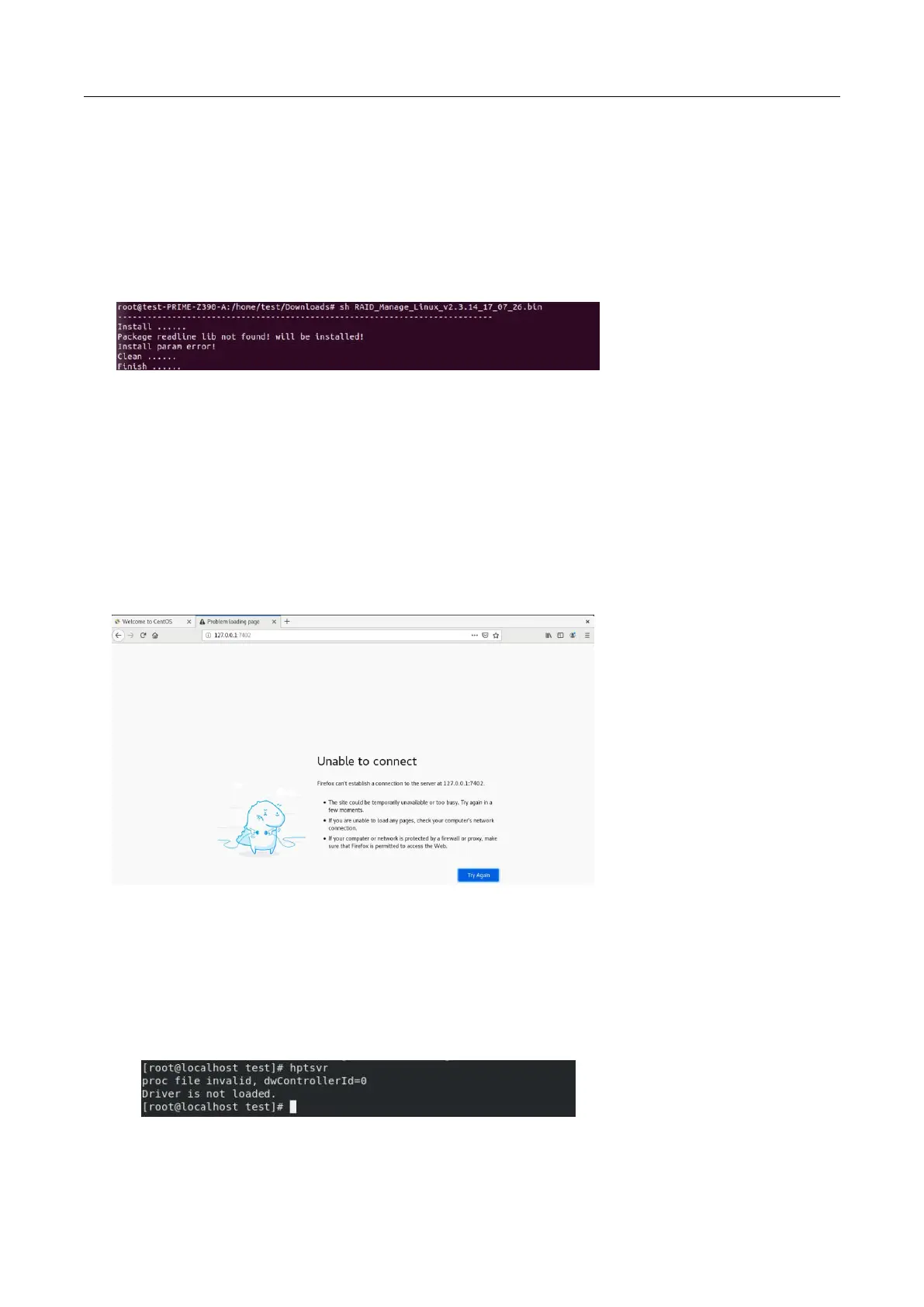
1. The WebGUI fails to install
If you use an Ubuntu system, the system may prompt you about the lack of a readline5 package when
installing the WebGUI – this will interrupt the installation process.
Solution:
a. With root permissions enabled, you can use the following command to load readline5 at using a
terminal, and will be allowed to install the WebGUI:
apt-get install libreadline5
b. Once complete, restart the WebGUI installation procedure.
2. The WebGUI cannot connect to the NVMe product
If you are unable to access the NVMe product using the WebGUI:
a. WebGUI service did not start successfully.
Solution
:
Start the WebGUI by opening the system terminal with root privileges and entering the following
command: hptsvr
b. The driver cannot be compiled.















 To Next Page