SSD7000 NVMe RAID AIC BootRAID Installation Guide
HighPoint Technologies, Inc
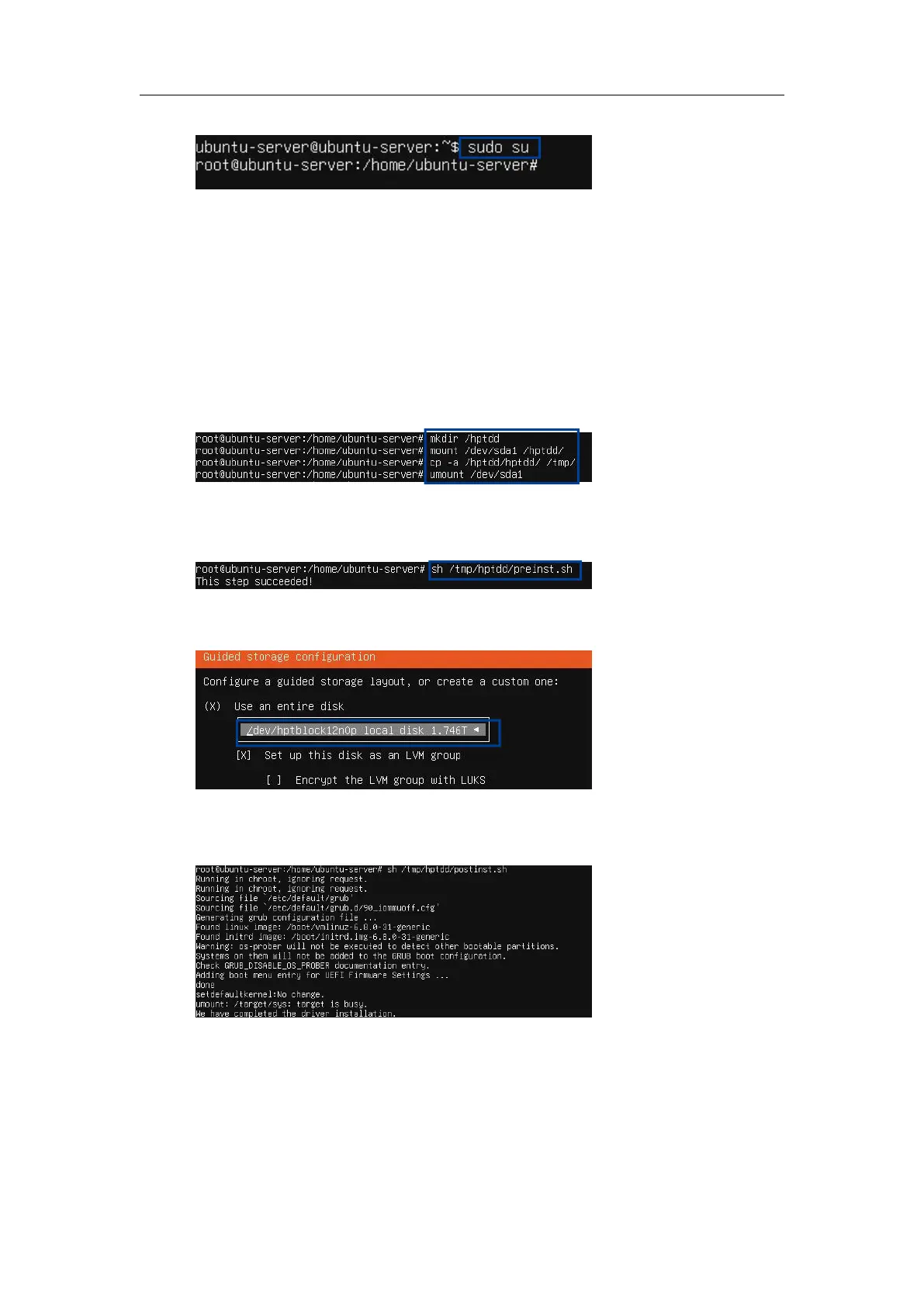
c. Switch to root privileges.
d. Execute the following command to create a mount point for the USB flash drive.
#mkdir /hptdd
e. Execute the following command to mount the USB flash drive to /hptdd.
#mount /dev/sda1 /hptdd/
f. Execute the following command to copy the binary driver installation file to the system’s
temporary directory.
#cp -a /hptdd/hptdd /tmp/
g. Execute the following command to unmount the USB flash drive.
#umount /hptdd
h. When the USB flash drive is unmounted, please unplug it from the system.
i. Execute the following command to load the NVMe AIC binary driver.
#sh /tmp/hptdd/preinst.sh
j. Press ALT+F1 to switch back to the installation screen and continue the installation.
k. Select the previously created RAID.
l. When the screen shows Install complete! Press ALT+F2 to the shell and type the following
command to install the NVMe AIC binary driver.
#sh /tmp/hptdd/postinst.sh
A message will be displayed that the driver has been installed successfully.















 To Next Page