6. Route the cables through the cable hole. Here we take bottom
cable hole as the example to describe the installation.
1). Separate the water proof cover and the cable gland from the
junction box.
2). Route the cable through the bottom cable hole and the cable
gland.
3). Screw the cable gland back on the bottom cable hole.
4). Screw the water proof cover back on the side cable hole.
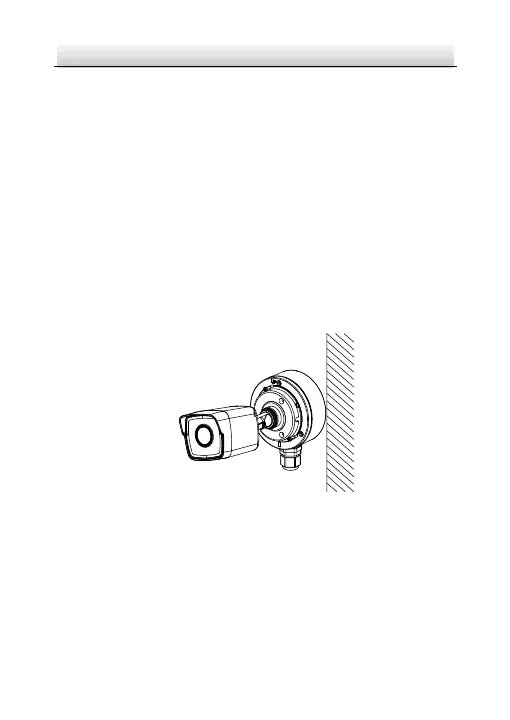
7. Combine the junction box cover with its body with three screws
on the junction box's cover.
Figure 2-8 Combine Junction Box's Cover with its Body
8. Repeat steps 5 to 7 of 2.2 Ceiling Mounting to complete the
installation.


 To Next Page
 Loading...