3. Align the screw holes on the slant mounting base and the base
plate, and then secure the base plate on the slant mounting base
with the two supplied screws.
4. Route the cables through the cable hole or the side opening
according to the actual needs, and connect the corresponding
cables including power cable, network cable, audio and alarm
cables, etc.
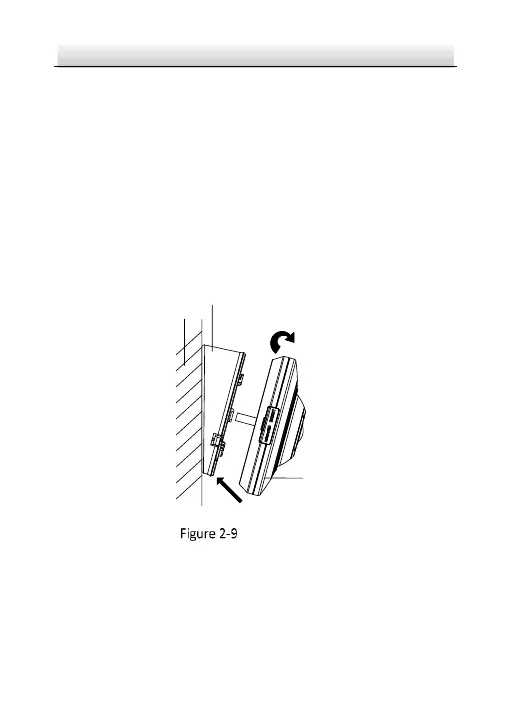
5. Align the triangle mark on the camera and mounting base, and
then rotate the camera clockwise until it is locked up.



 To Next Page
 Loading...