UM DS-2CE7xH0T-ITxxx Series Turret 052020NA 16
4.3.2
B&W (Black and White)
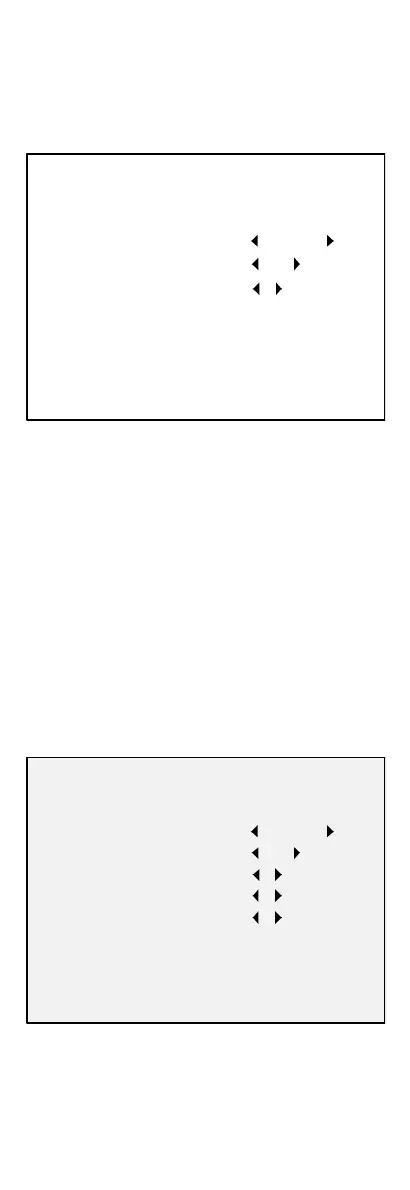
The image is black and white all the time, and the IR
Light will turn on in poor light conditions.
You can turn on/off the IR Light and set the Smart IR
value in this menu.
Figure 20, B&W
•
IR Light: You can turn the IR Light on/off to meet
the requirements of different circumstances.
•
Smart IR: Adjusts the light to its most suitable
intensity and prevents the image from
overexposure. The Smart IR value can be adjusted
from 1 to 3. The higher the value, the more obvious
the effect.
4.3.3
Auto
Automatically switch to Color or B&W (Black and
White) according to the actual scene brightness.
You can turn the IR Light on/off and set the Smart IR
value in this menu.
Figure 21, Auto
•
IR Light: You can turn the IR Light on/off to meet
the requirements of different circumstances.
DAY/NIGHT
MODE
IR LIGHT
SMART IR
2
BACK
EXIT
SAVE & EXIT
B&W
ON
DAY/NIGHT
5
ON
AUTO
2
5
MODE
IR LIGHT
SMART IR
D N THRESHOLD
N D THRESHOLD
BACK
EXIT
SAVE & EXIT



 To Next Page
 Loading...