Video Intercom Vandal-Resistant Door Station·Quick Start Guide
19
When you add devices by IP Address, or IP Segment, the devices
should be online devices.
5.4 Accessing via Web Browser
System Requirement:
Operating System: Microsoft Windows XP SP1 and above version
CPU: 2.0 GHz or higher
RAM: 1G or higher
Display: 1024×768 resolution or higher
Web Browser: Internet Explorer 8.0 to 11
Steps:
1. Open the web browser.
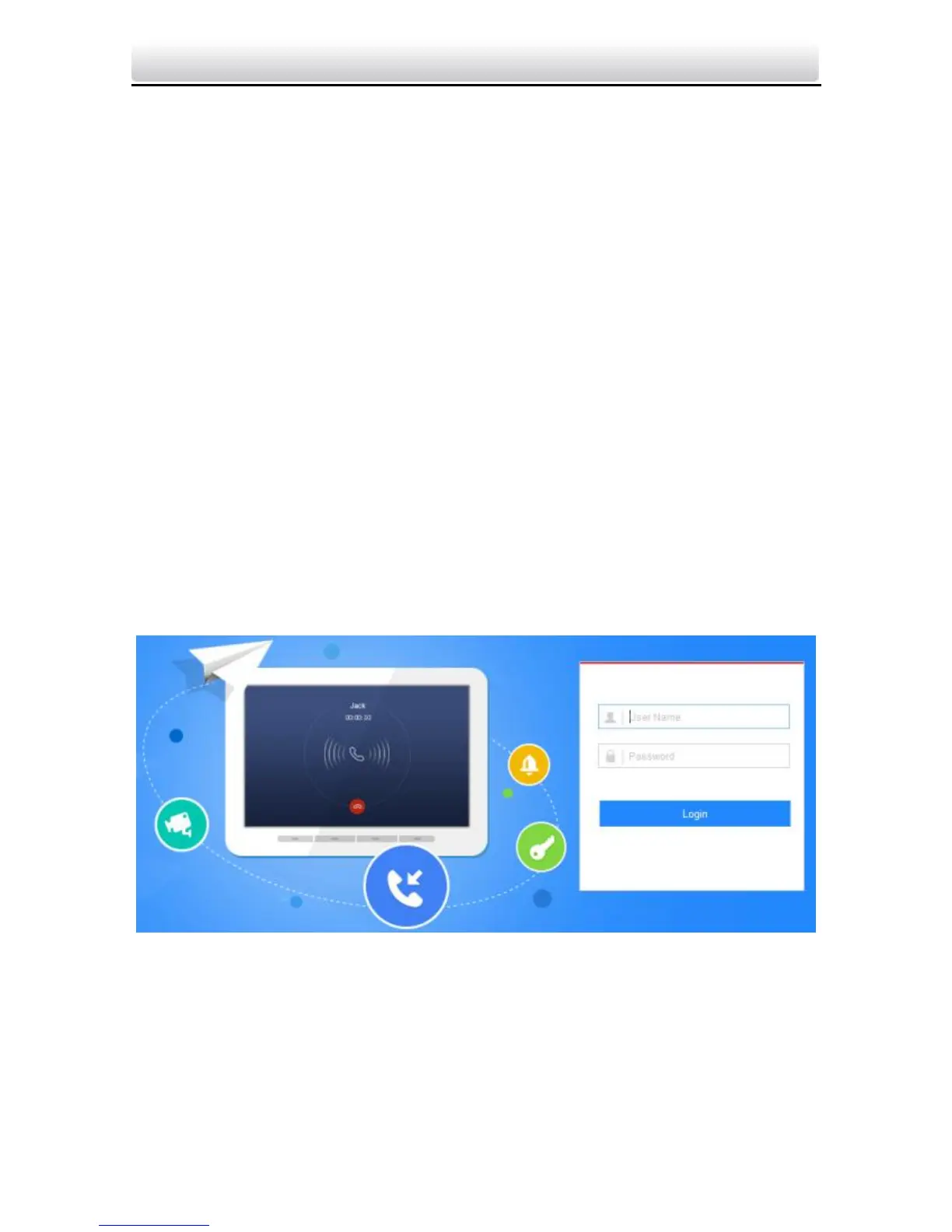
2. Input the device IP address in the address bar, and press Enter key
to enter the login interface.
Figure 5-10 Login Interface
3. Input the user name and password.
4. Click Login.


 To Next Page
 Loading...