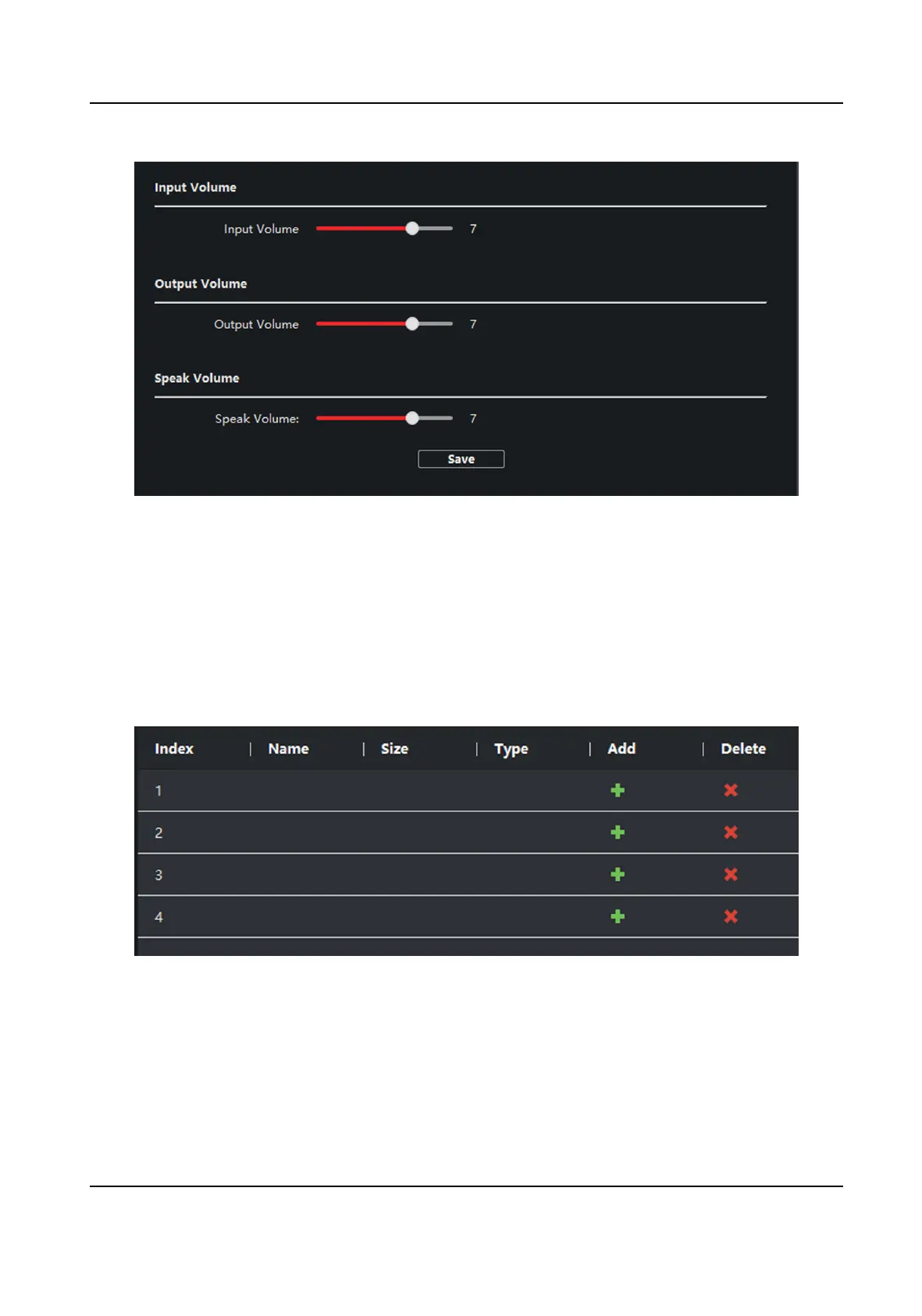
Figure 4-14 Volume Input or Output
2.
Slide the slider to adjust the input volume, output volume and speak volume.
3.
Click Save to enable the
sengs.
Ring Import
Steps
1.
Click Ring Import to enter the ring
conguraon page.
Figure 4-15 Ring Import
2.
Click + to add the ring, and click x to delete the imported ring.
Network Indoor Staon Conguraon Guide
56


 To Next Page
 Loading...