DS-KIS701 Video Intercom Bundle Quick Start Guide
QSG DS-KIS701 Video Intercom Bundle 080519NA 8
1.2
1.21.2
1.2
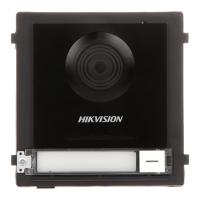
Door Station
Door StationDoor Station
Door Station
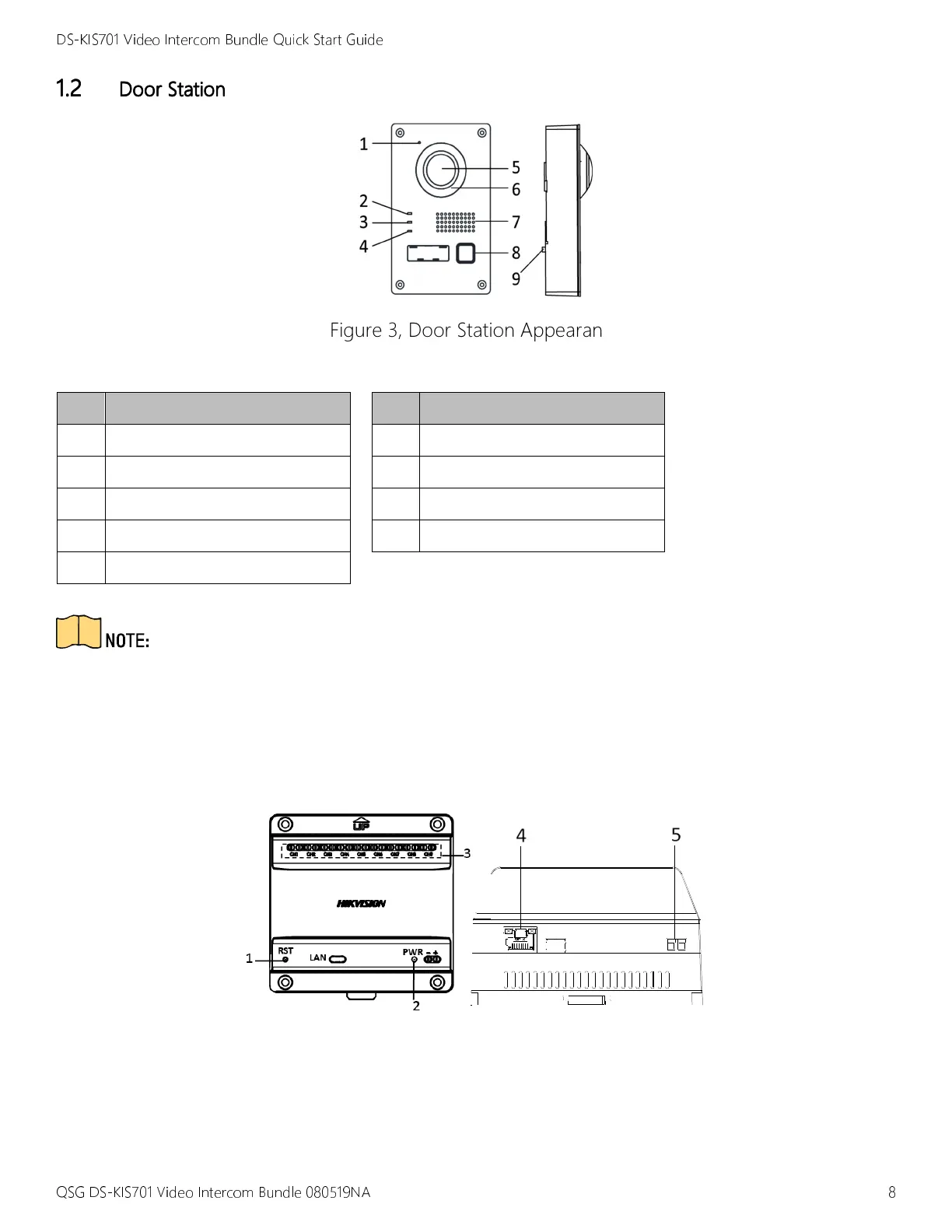
Figure 3, Door Station Appearance
Table 1-3 Components Description
No.
No.No.
No.
Description
DescriptionDescription
Description
No.
No.No.
No.
Description
DescriptionDescription
Description
1 Microphone
6 Supplement Light
2 Calling Indicator
7 Loudspeaker
3 Speaking Indicator
8 Call Button
4 Open Door Indicator
9 Tamper Button
5 Built-in Camera
•
The calling indicator turns yellow when calling.
•
The speaking indicator turns red when speaking.
•
The open door indicator turns blue when the door opens.
1.3
1.31.3
1.3
Video/Audio
Video/AudioVideo/Audio
Video/Audio
Distributor
DistributorDistributor
Distributor
Figure 4, Video/Audio Distributor Appearance



 To Next Page
 Loading...