
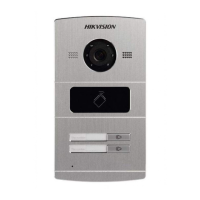
 Need help?
Do you have a question about the HIKVISION DS-KV8102-1A and is the answer not in the manual?
 General
| Brand | HIKVISION |
|---|---|
| Model | DS-KV8102-1A |
| Category | Intercom System |
| Language | English |
Important safeguards to prevent serious injury or death.
Precautions to prevent potential injury or material damage.
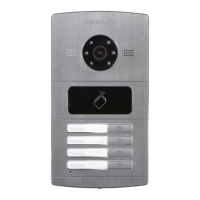
Key functionalities and capabilities of the video intercom door station.
Covers gang box installation and wall mounting for DS-KV8X02-1A models.
Details gang box and installation plate mounting for DS-KV8102-XC models.
Procedure for activating the door station and setting a password.
Methods for adding devices, including online, IP address, IP segment, and port number.
How to modify network settings like IP address, subnet mask, and gateway for online devices.
Accessing and configuring device settings remotely, including System, Video Intercom, Network, and Video Display.
Configure video intercom parameters like ringtone and speaking time in iVMS-4200.


 To Next Page