10.
Oponal: Enable the user in the Enable User column to allow the enabled user operang the
device.
11. Oponal: Select an user and click Edit and you can edit the user's informaon and permission.
12.
Oponal: Delete a single user or check mulple users and click Delete to delete users in batch.
Note
The admin, the installer and the maintenance cannot be deleted.
Add/Edit/Delete Keyfob
You can add keyfob to the security control panel and you can control the security control panel via
the keyfob. You can also edit the keyfob informaon or delete the keyfob from the security control
panel.
Steps
1. In the client
soware, select the device on the Device Management page and click , or enter
the device IP address in the address bar of the web browser and log in.
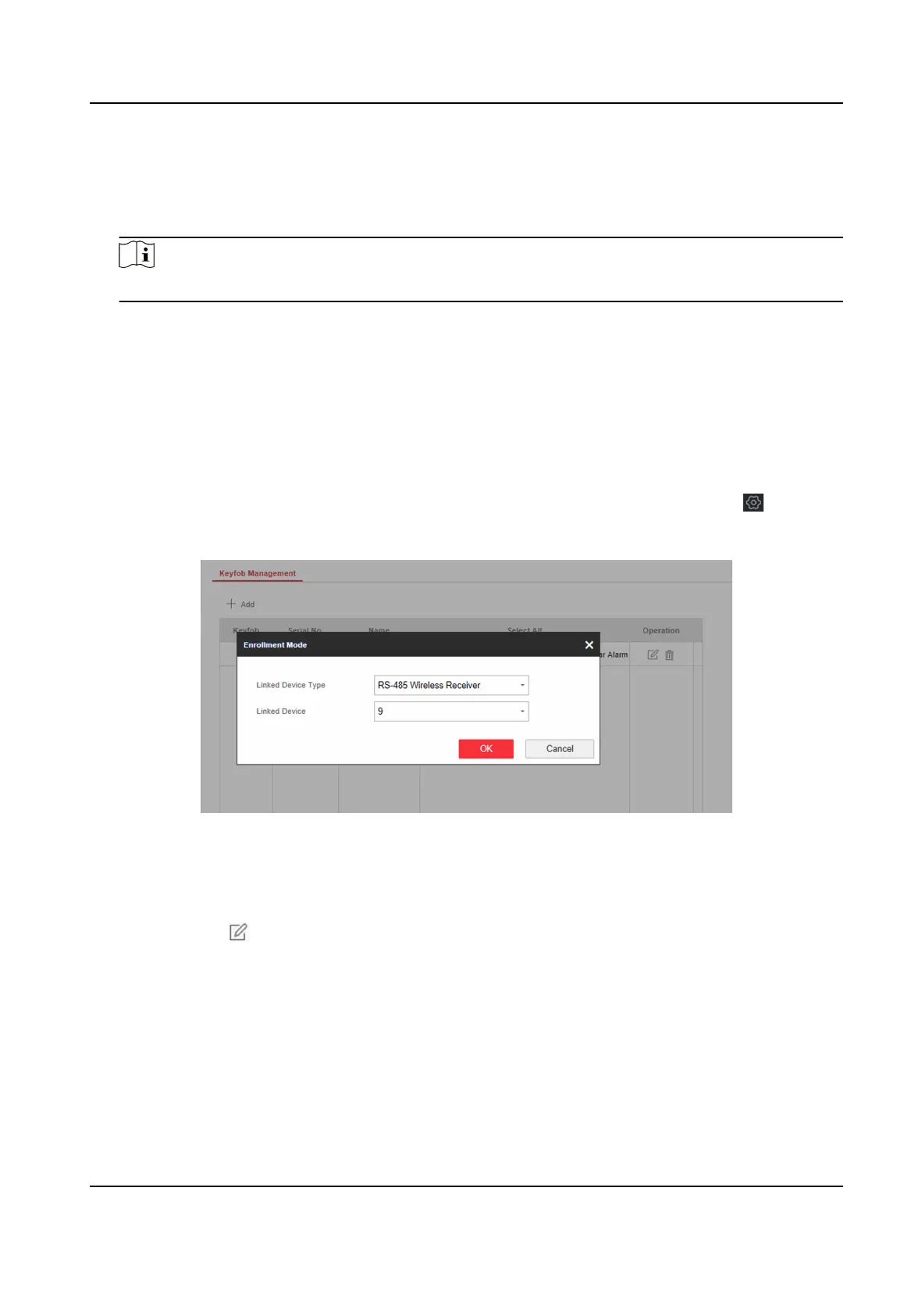
2. Click Conguraon → User Management → Keyfob to enter the Keyfob Management page.
Figure 4-31 Keyfob Management
3. Click Add and press any key on the keyfob.
4. Set the keyfob linked device type and linked device No..
5. Click OK.
6.
Oponal: Click to edit the keyfob informaon.
Hybrid Security Control Panel User Manual
49











 To Next Page