4.3.9 Arm/Disarm the Zone
Arm or disarm the zone manually as you desired.
Note
Axiom security control panel supports 4 areas.
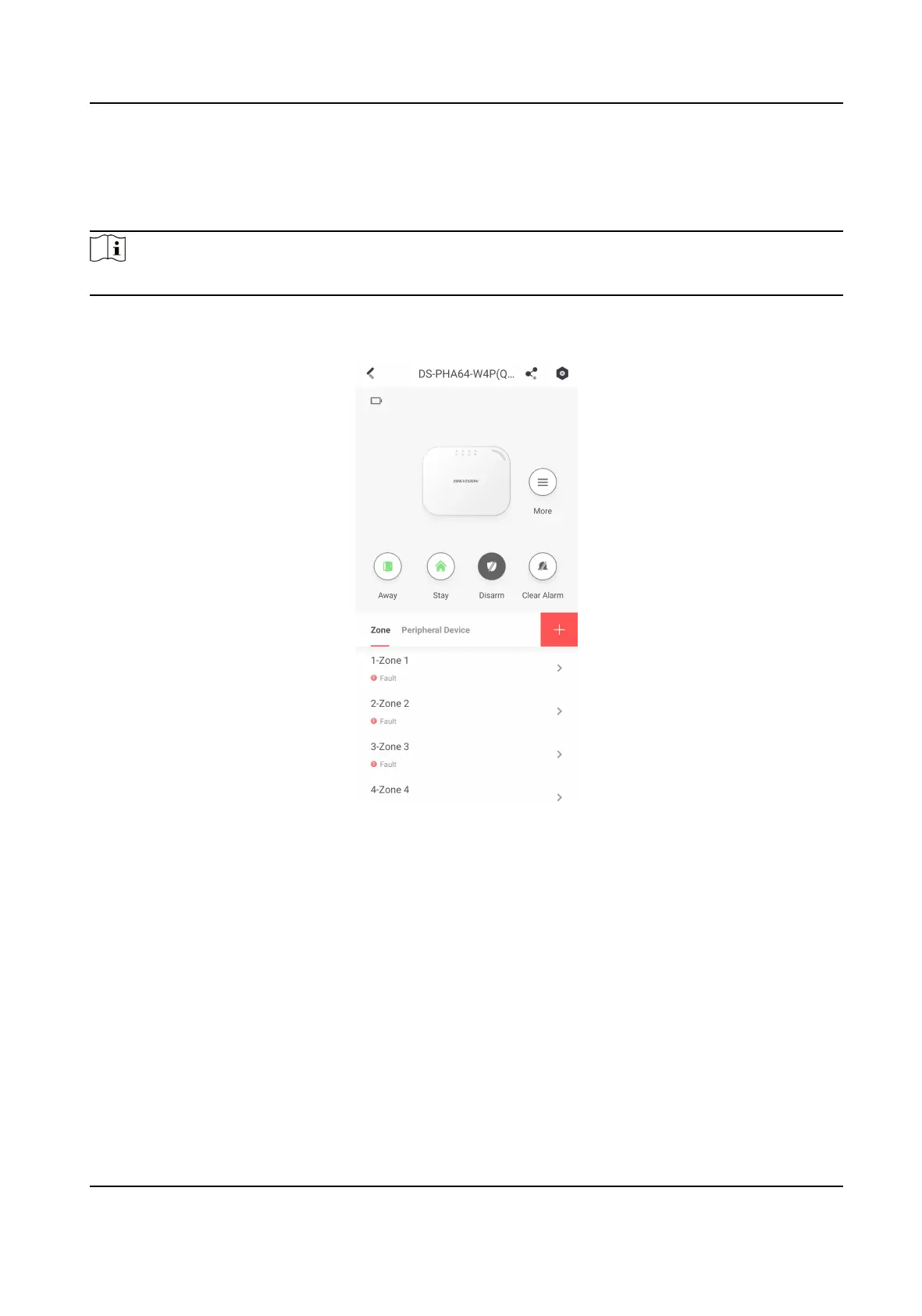
On the device list page, tap the security control panel and then log in to the device (if required) to
enter the Area page. You can swipe to the le or right to switch areas.
Figure 4-48 Area Page
Operaons for a Single Area
• Away: When all the people in the detecon area leave, turn on the Away mode to arm all zones
in the area aer the dened dwell me.
• Stay: When the people stays inside the detecon area, turn on the Stay mode to arm all the
perimeter burglary detecon (such as perimeter detector, magnec contacts, curtain detector in
the balcony). At the meanme, the detectors inside the detecon area are bypassed (such as PIR
detectors). People can move inside the area and alarm will not be triggered.
• Disarm: In Disarm mode, all the zones in the area will not trigger alarm, no
maer alarm events
happen or not.
• Clear Alarm: Clear all the alarms triggered by the zones of the area.
Hybrid Security Control Panel User Manual
73











 To Next Page