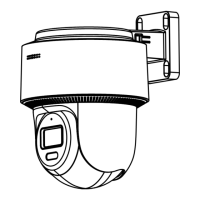
ECI-T24Fx Quick Start Guide
QSG ECI-T24Fx 041018NA 9
Figure 2-3 Fix the Mounting Base
5. Route the cables through the cable hole or side opening.
6. Install the camera body back to the mounting base.
Figure 2-4 Install the Camera Body
7. Connect the power cord and network cable.
8. Power the camera on, and set the network configuration (for details, refer to 3 Network
Camera LAN Configuration and 4 Access via Web Browser) to check whether the image is
at an optimum angle. If not, adjust the surveillance angle.
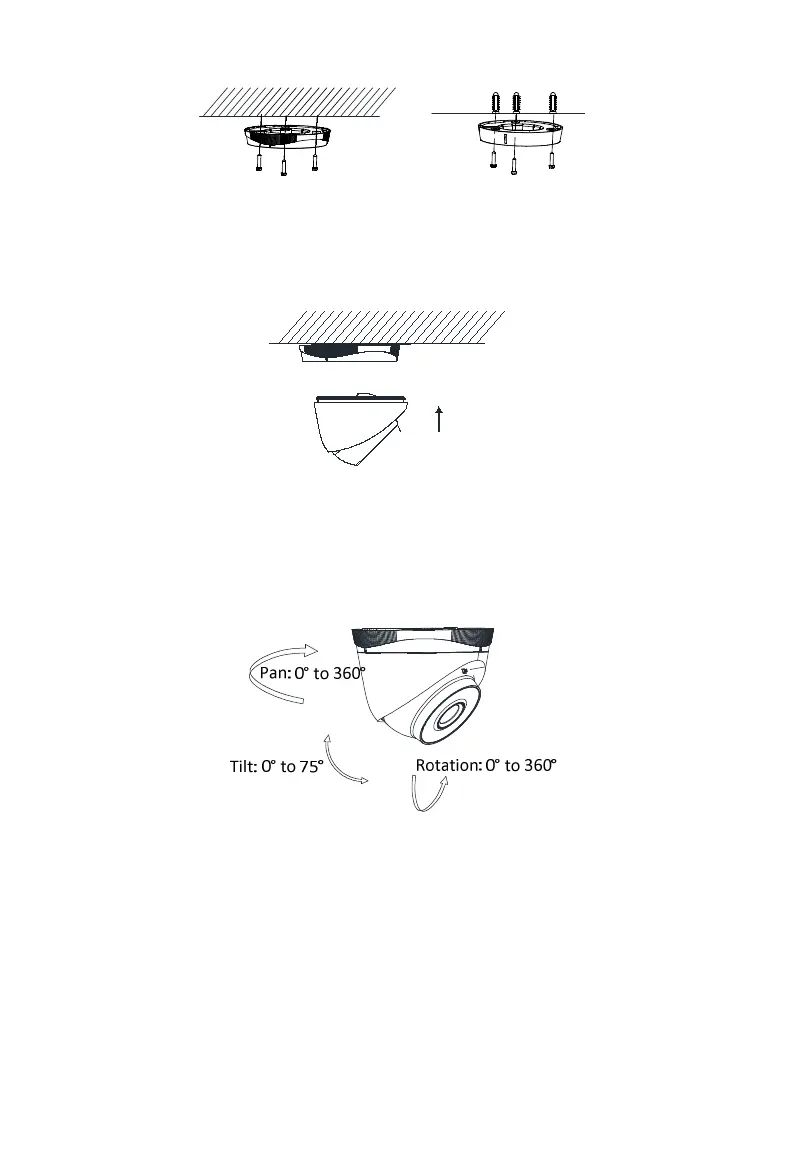
Figure 2-5 Adjust Surveillance Angle
1). Hold the camera body and rotate the enclosure to adjust the pan angle [0° to 360°].
2). Move the camera body up and down to adjust the tilt angle [0° to 75°].
3). Rotate the camera body to adjust the rotation angle [0° to 360°].



 To Next Page
 Loading...