EasyManua.ls Logo

Hillrom PST 500 U - User Manual

Hillrom PST 500 U
96 pages
Print Icon
To Next Page IconTo Next Page
Loading...
Instructions for use
PST 500 U
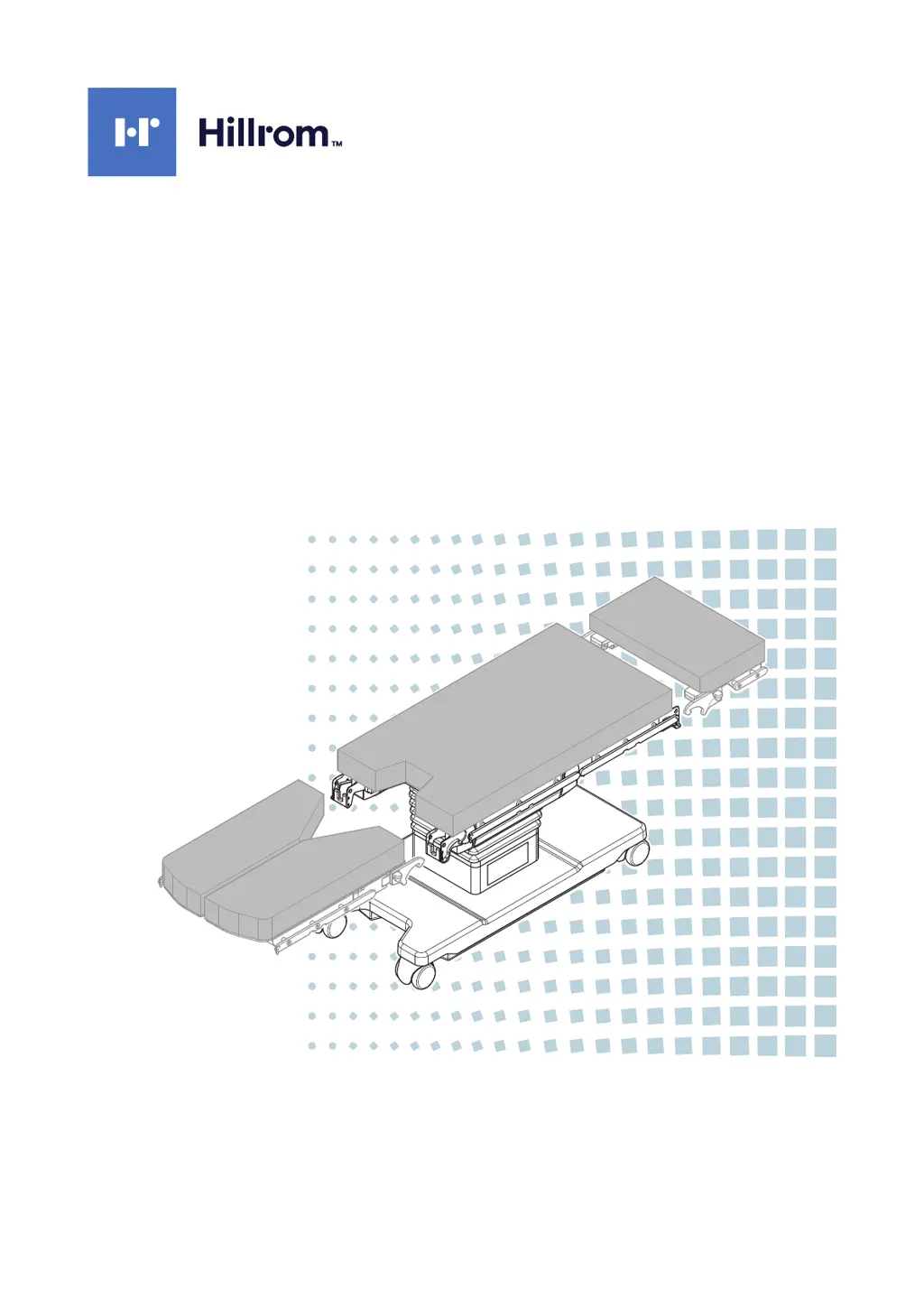
Mobile operating table
ENGLISH
en-US
Read the instruction manual carefully before using the product
and keep it safe for future reference.

Table of Contents

Questions and Answers

  • J
    Joan BoothAug 18, 2025
    What to do if the Hillrom Medical Equipment operating table does not respond to key presses?
    • N
      nicholashernandezAug 19, 2025
      If the Hillrom Medical Equipment operating table isn't responding, first, ensure the operating table is switched on by pressing the On key on the column keypad. If that doesn't work, check if the infra-red remote control is charged, and charge it or use the column keypad. Also, verify the infra-red connection between the remote and the table, or use the column keypad. If these steps don't resolve the issue and the error occurs during an operation, enable emergency mode and release the parking brake using the emergency release key. After that notify the Technical Customer Service.
  • R
    rebecca95Aug 21, 2025
    What to do if no operating table function is carried out when a key is pressed and the battery status flashes red on Hillrom Medical Equipment?
    • A
      alejandrodavidsonAug 21, 2025
      If no function is executed and the battery status display flashes red, it indicates that the batteries are empty. You should use the operating table in emergency mode. Note that in mains power mode, the batteries are charged simultaneously.
  • C
    Crystal NelsonAug 23, 2025
    Why won't the Hillrom Medical Equipment tilt or longitudinal travel function work and a warning tone sounds?
    • M
      Michael CobbAug 23, 2025
      If the tilt or longitudinal travel function isn't working and a warning tone sounds, it's likely because the parking brake on the operating table has been released. When the parking brake is released, not all adjustment functions are available. To resolve this, activate the operating table’s parking brake by pressing the [i45] key.
  • W
    William RossAug 26, 2025
    What to do if no operating table function is carried out when a key is pressed on Hillrom Medical Equipment?
    • R
      Robin CervantesAug 26, 2025
      If no operating table function is carried out when you press a key on the column keypad, the key lock might be active. Try releasing the key lock using the [i53] key. Alternatively, you can activate the function on the column keypad using two-key operation. To do this, press the [i1] key (switch on key) and simultaneously press the function key required.
  • R
    Rebecca GeorgeAug 28, 2025
    What to do if the Hillrom Medical Equipment operating table cannot be charged and the battery status display flashes red?
    • M
      Michael EllisAug 28, 2025
      If the operating table isn't charging and the battery status display flashes red, it means the batteries are faulty. You should notify the Technical Customer Service.
  • D
    Daniel WrightAug 30, 2025
    What to do if the selected operating table function cannot be moved to the end position on Hillrom Medical Equipment?
    • J
      Jill McculloughAug 30, 2025
      If a function can't move to the end position, automatic collision avoidance might be restricting it. Try moving the restricting tabletop section or function in the other direction (for example, move the leg sections upward). If you're using a remote control with a display, the key for an evasive movement will flash if there’s an automatic stop.
  • B
    Barbara GriffinSep 1, 2025
    Why is the wrong joint moving or the direction of movement incorrect on Hillrom Medical Equipment?
    • A
      Aaron WrightSep 1, 2025
      If the wrong joint moves or the movement direction is incorrect, the patient orientation set may not match the actual patient orientation. Try switching the patient orientation using the [i3] or [i4] key.
  • G
    gwigginsSep 4, 2025
    Why can't the leg section joints be adjusted individually on Hillrom Medical Equipment?
    • L
      Leah HenrySep 4, 2025
      If the leg section joints cannot be adjusted individually, it could be because a closed tabletop section is attached to the leg section joints. Remove the closed tabletop section. Alternatively, the inverted patient orientation may be set. Set the normal patient orientation by pressing the [i4] key.
  • E
    Elizabeth GreeneSep 6, 2025
    What to do if the saved position cannot be called up on Hillrom Medical Equipment?
    • J
      Jay MahoneySep 6, 2025
      If a saved position can't be recalled, the operating table's current configuration likely doesn't match the saved position. Ensure that the tabletop sections attached and the patient orientation are set according to the saved position.
  • C
    carolineglennSep 8, 2025
    Why can't the parking brake be released on Hillrom Medical Equipment?
    • H
      Holly RobertsonSep 8, 2025
      If the parking brake cannot be released, the tilt is probably not horizontal. Set the tilt to horizontal by pressing the [i9]/[i10] key.

Summary

Basic Information

About the instructions for use

Explains the purpose and content of the instructions for use manual.

Usage Specifications

Normal use

Details the standard operational procedures and conditions for the operating table.

Intended purpose

Describes the primary medical applications and functions of the PST 500 operating table.

Contraindication

Lists prohibited uses and conditions that should be avoided with the operating table.

Safety

Operators responsibility

Defines the duties and legal obligations of the product operator.

Use of high-frequency (HF) surgical equipment

Outlines safety precautions when using HF surgical devices with the table.

What to do in the event of a malfunction

Guides users on emergency procedures and troubleshooting steps.

Unpacking the operating table

Description

Overview of the operating table

Provides a general description of the mobile operating table and its main components.

Summary of control modules

Details the different control units like column keypad and remote control.

Setting options

Explains various adjustable functions like patient orientation, lift, and tilt.

Use

Safety instructions

Key safety guidelines to follow during the operation of the table.

Summary of how to use the operating table

Provides a checklist for pre-operation checks and usage.

Charging the batteries (external power supply)

Instructions for connecting the table to mains power and charging the battery.

Cleaning and disinfection

Cleaning the operating table

Step-by-step guide for cleaning the operating table and its components.

Troubleshooting

Technical data

Device data

Provides specifications like dimensions, weight, and technical parameters.

Electromagnetic compatibility

Details EMC requirements and guidelines for safe operation.

Accessories

Manufacturer Trumpf Medizin Systeme

Lists approved accessories and their documentation numbers.

Combinations of operating table and tabletop sections

Hillrom PST 500 U Specifications

General IconGeneral
BrandHillrom
ModelPST 500 U
CategoryMedical Equipment
LanguageEnglish

Related product manuals