EasyManua.ls Logo

Hillrom TruSystem 7500 U14 - User Manual

Hillrom TruSystem 7500 U14
56 pages
Print Icon
To Next Page IconTo Next Page
Loading...
Instructions for use
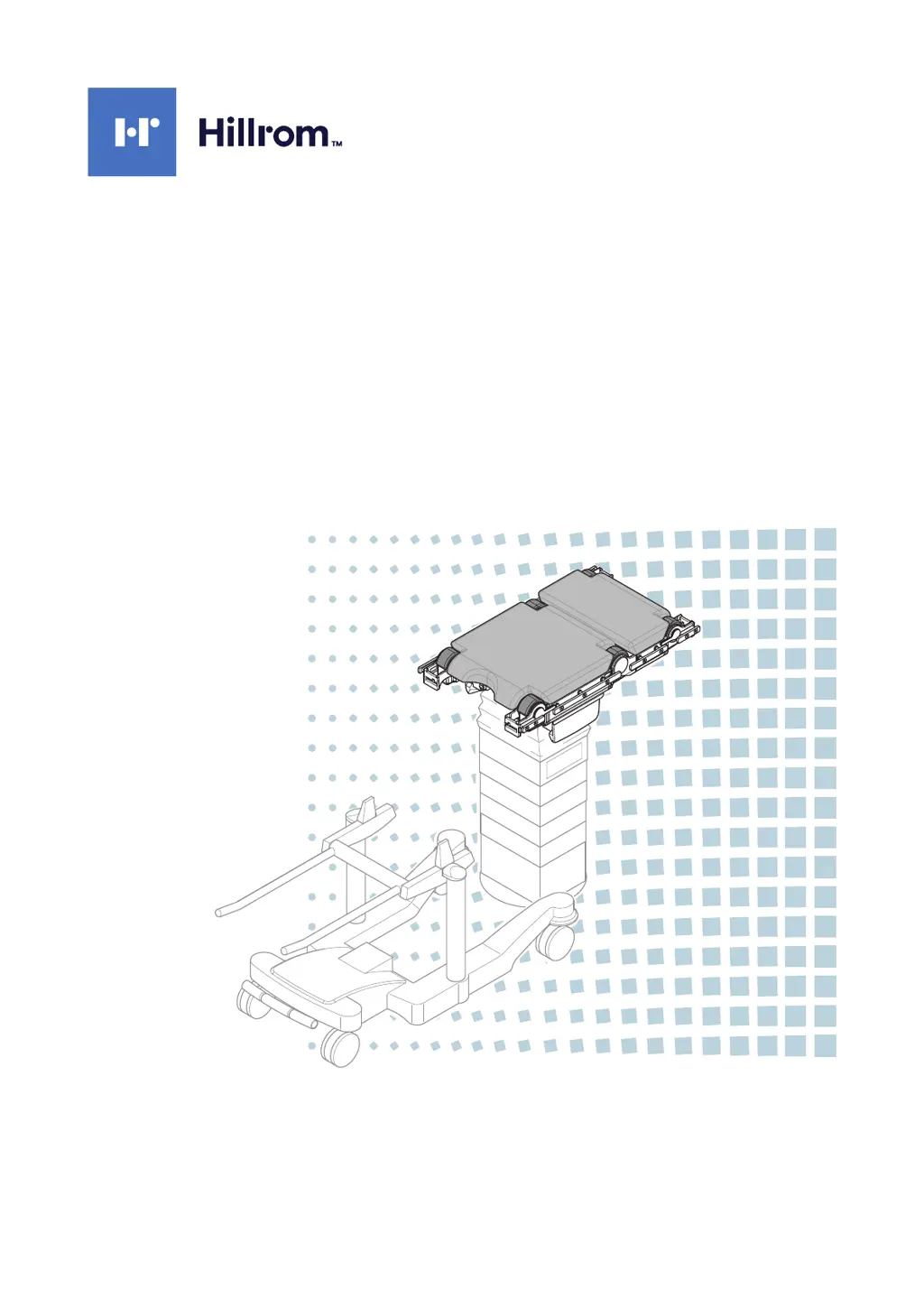
TruSystem 7500
Operating tabletop universal
AMERICAN ENGLISH
en-US
Read the instructions for use carefully before using the
product components and keep them safe for future reference.

Table of Contents

Questions and Answers

  • D
    Dave SmithAug 12, 2025
    What to do if the entire adjustment range of the longitudinal slide function cannot be used on my Hillrom TruSystem 7500 U14 Medical Equipment?
    • N
      Natasha DavisAug 12, 2025
      If the entire adjustment range of the longitudinal slide function is unusable, it may be due to the joints of the leg or back section being tilted downwards. To resolve this, move the joints of the leg or back section upwards. Also, heavy patient weight combined with the operating tabletop being strongly tilted around the longitudinal axis (Trendelenburg / reverse Trendelenburg) can cause this issue. Reduce the tilt of the operating tabletop to fix it.
  • T
    Tanner JenningsAug 21, 2025
    Why the longitudinal slide cannot be adjusted on my Hillrom TruSystem 7500 U14?
    • T
      tammy53Aug 22, 2025
      The longitudinal slide is disabled when the extension adapter is attached to the operating tabletop. Remove the extension adapter from the operating tabletop to enable the longitudinal slide.
  • M
    Michael MillerSep 1, 2025
    How to configure the stop on passing the level position on my Hillrom TruSystem 7500 U14?
    • A
      amanda64Sep 1, 2025
      Notify the technical customer service if the option is desired on the operating table. The configuration is done via the service interface of the operating table.

Hillrom TruSystem 7500 U14 Specifications

General IconGeneral
BrandHillrom
ModelTruSystem 7500 U14
CategoryMedical Equipment
LanguageEnglish

Related product manuals