15
ENGLISH FRANÇAIS ESPAÑOL
Completing the Setup Wizard Menu
Plug the power cord into an AC outlet, the TV will turn on.
After the splash screen that displays the logo appears, begin the Setup Wizard menu.
The guide setting is completed according to the boot navigation prompt. The navigation information is specific to the
actual condition.
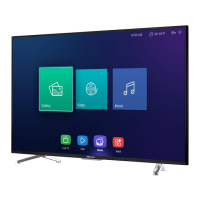
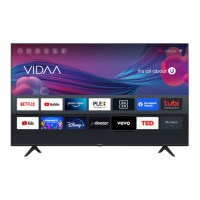
The Home screen will be your starting point for navigating the TV.



 To Next Page