9
STEP 2. Connect devices to your TV
Check to ensure that you have selected the right cables for the ports and that they are connected securely. Loose connections can
affect the quality of the picture image and color. (Cables and External Equipment not included.)
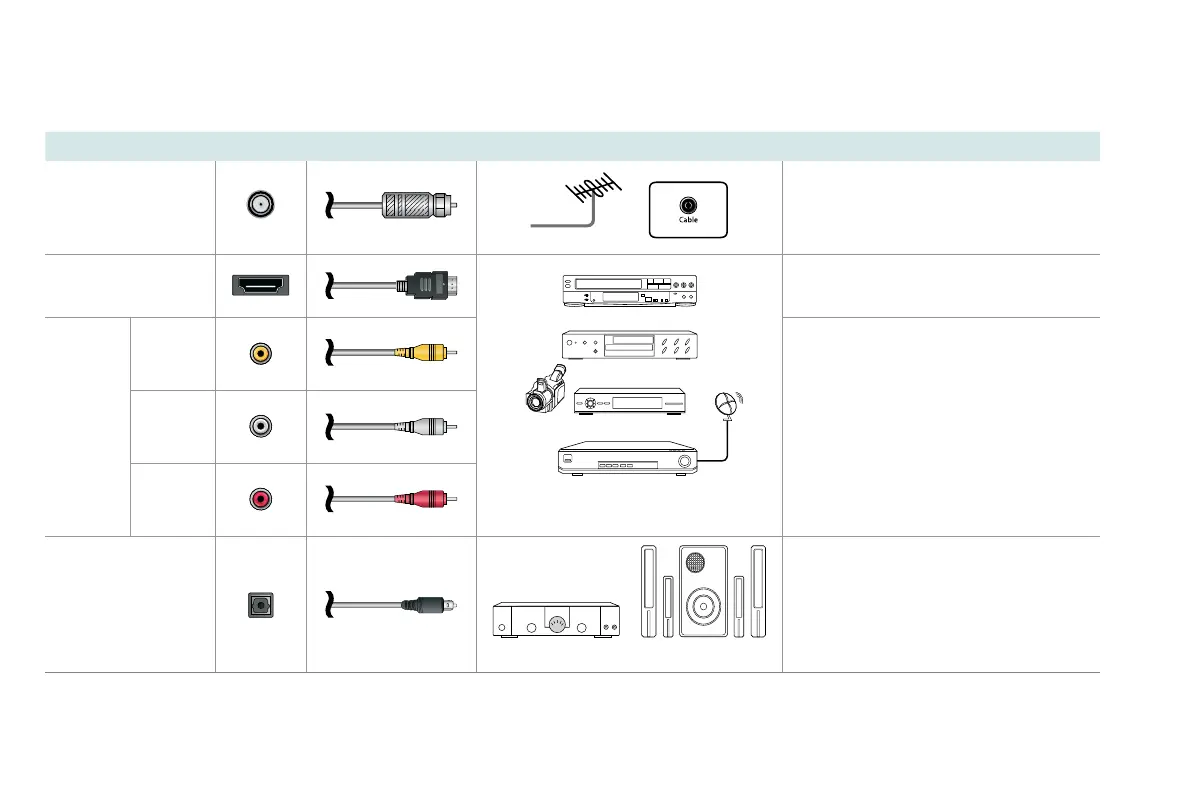
TV label Port Cable External Equipment Brief Description
ANT/CABLE
Antenna
VHF/UHF Antenna
ANT OUT
Connect an outdoor or indoor
antenna.
HDMI
DVD Player/Recorder
Set-top Box
Satellite Receiver
Satellite
antenna
cable
VCR
Video
Camera
Connect a High Speed HDMI
®
Cable
from an external device.
AV IN
VIDEO
Yellow
Connect a composite video cable
and left-right audio cables from an
external AV device.
L
White
R
Red
DIGITAL
AUDIO OUT
SpeakerAudio Amplier
Connect a digital audio cable from an
external digital audio system.


 To Next Page
 Loading...