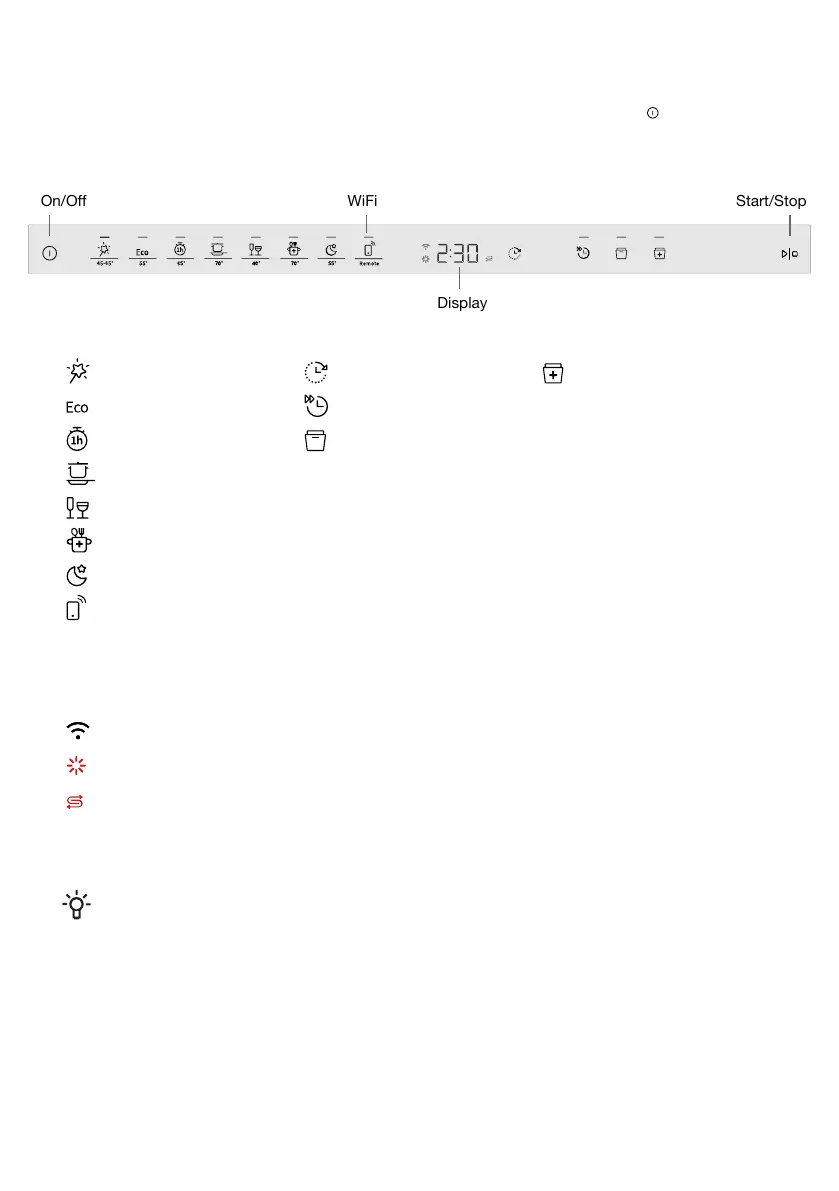
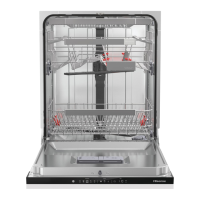
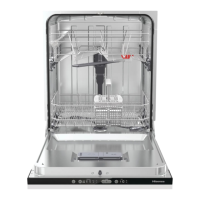
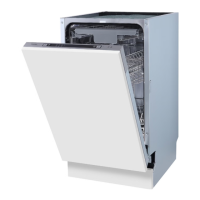
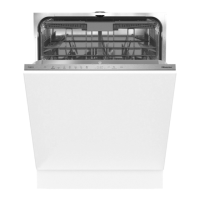
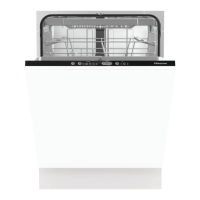
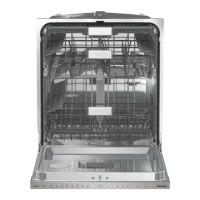
Your dishwasher
Install the dishwasher, see the chapter Installation. Then open the door and press .
The first time the dishwasher is switched on, it is important that you choose the right settings to ensure
good dishwashing results. See the chapter Before washing for the first time.
Display
Start/StopOn/Off WiFi
Special programOptionProgram
Self-cleanDelayed startAuto 45-65°
Speed washEco 55°
Auto Dry1h 65°
Intensive 70°
Glass 40°
Hygiene 70°
Night 55°
Remote (WiFi)
Information on the display
See the chapter Care and cleaning.
Connected to the cloud (Flashes when connecting)
Top up with rinse aid
Top up with salt
CLn Run the Self-clean program
NOTE!
The control panel only reacts to use when the door is open.
4



 To Next Page