- 12 -
LCD TV Service Manual
Hisense Confidential
Ver si on: Current Software version
Panel Info: The date of current version
SW Version
Flash:
Note: The factory menu date varies according to different sources. Incase changing the factory
data by error, you can choose to “Clean Protected”, by which you can resume the default value.
To clear the EEPROM:
a. Select the item “Clean All”.
b. Press VOL+ button to clear the EEPROM data.
c. Close the OSD menu after 5 seconds.
d. Restart the TV.
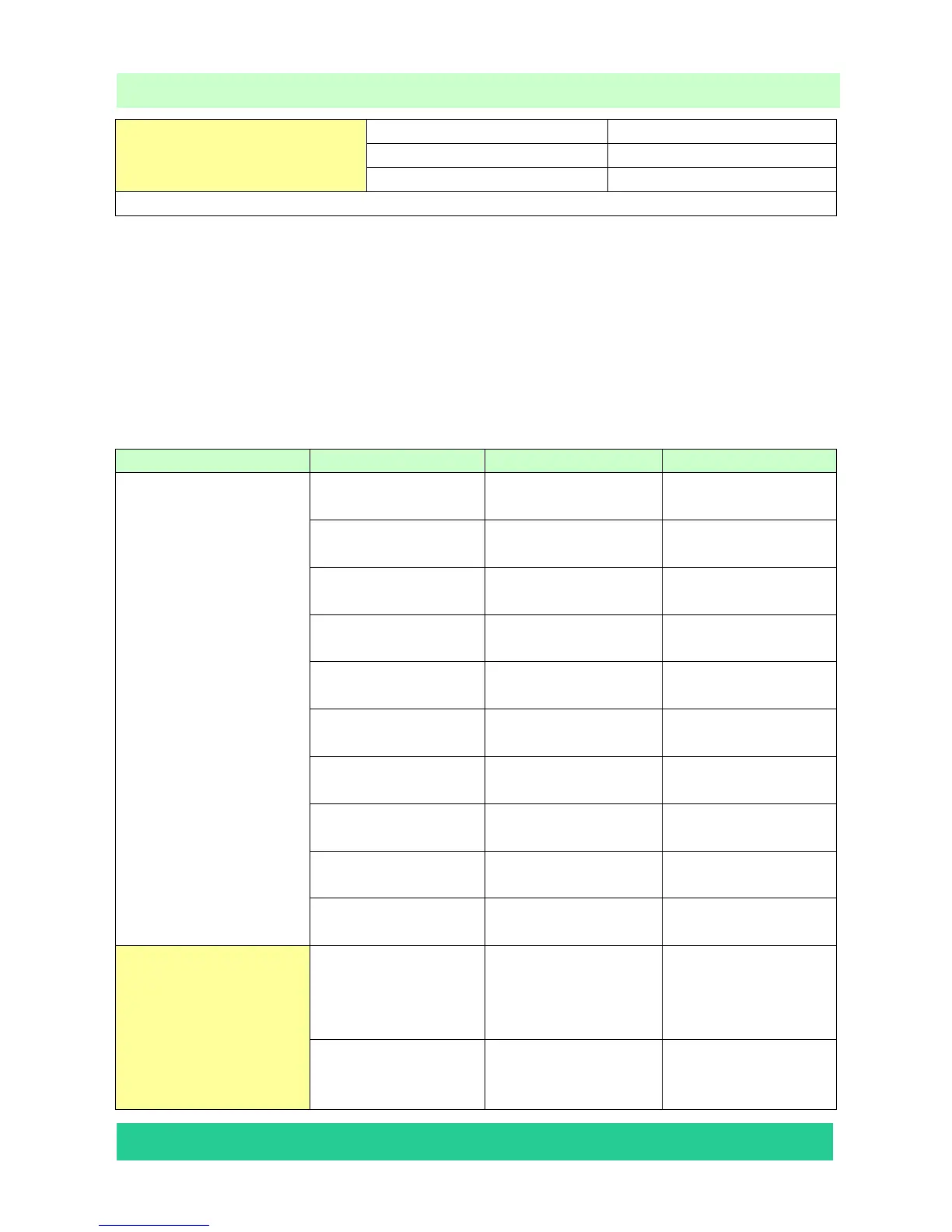
2.3 Designer Menu
Item 0 Item 1 Item 2 Note
Picture Mode SOURCE The current program
source
Brightness Brightness Brightness of VIVID
mode
Brightness Contrast Contrast of VIVID
mode
Brightness Saturation Saturation of VIVID
mode
STD Brightness Brightness of STD
mode
STD Contrast Contrast of STD
mode
STD Saturation Saturation of STD
mode
Soft Brightness Brightness of Movie
mode
Soft Contrast Contrast of Movie
mode
Designer Menu
Soft Saturation Saturation of Movie
mode
Audio Set
Volume Min
When value is 1
Think about the
Audio out power
before adjusting
Volume 25 When value is 25
Think about the
Audio out power








 To Next Page