- 14 -
LCD TV Service Manual
Hisense Confidential
3 Software Upgrading
3.1 Before upgrading, read the following.
1、Before upgrading,Write down the ADC Calibration values of the sources of VGA and
component。
2、Upgrade the software.
3、To clear the EEPROM .
A Select the item “Clear Unprotected”.
B Press VOL+ button to clear the EEPROM data.
C Close the OSD menu after 5 seconds.
D Restart the TV.
4 Write the ADC Calibration values copied just now into the the channels of VGA and
component.
5、After the operation above all, necessarily, Renew search the channels for the users.
The first upgrading method:
The software is upgraded by a burning toll-MtkTool, which can burn the program file *.bin to the
main board of the unit.
3.2 Get ready for upgrading
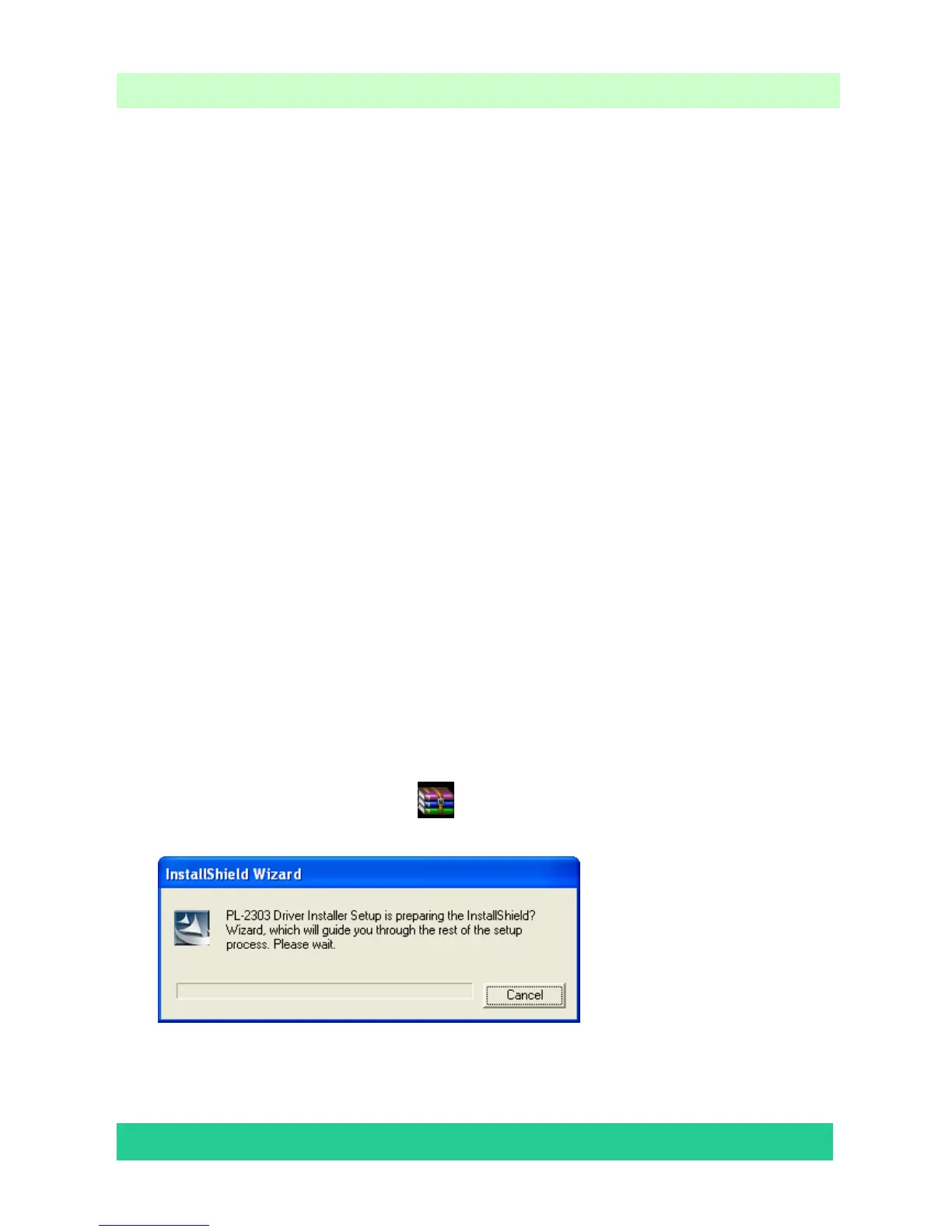
3.2.1 Install the driver
Double click the icon
MTKtools2.44.04+cp210xDriver.rar
, install the driver.
Select the default value, the driver will be installed step by step.





 To Next Page