4Getting Started
Getting Started
Read this chapter to learn about Sero 8 features, how to use the controls, and
more.
Package Contents
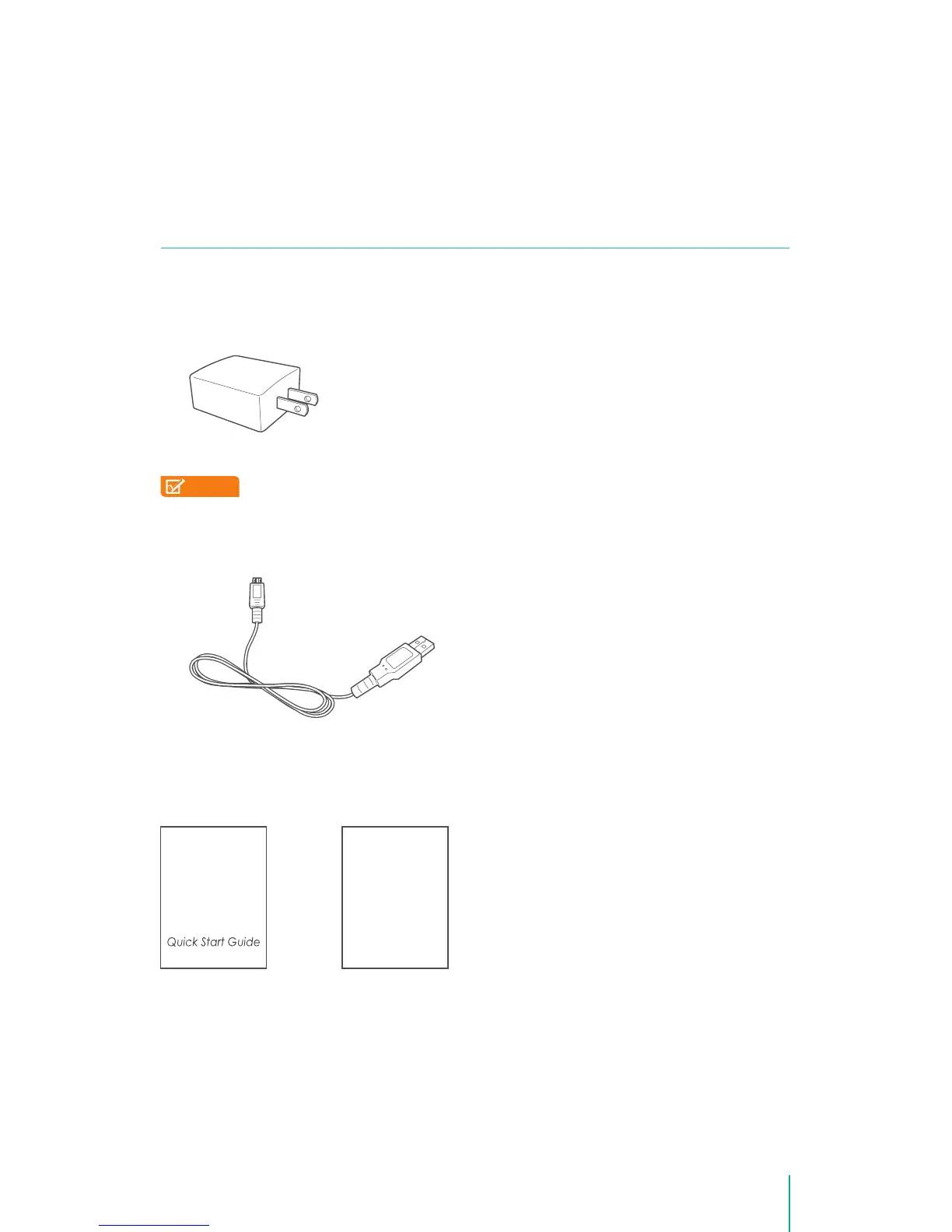
The following items are included with the Sero 8:
Power Adapter
Use the power adapter to connect the outlet to charge the battery.
NOTE
This power adapter is only for reference, it may vary in different
countries.
Micro-USB Cable
Use the USB cable to connect the Sero 8’s Micro-USB port to the power
adapter to charge the battery, or to your computer.
Quick Start Guide & Warranty
Warranty
2


 To Next Page