buttons to set the AC3 Audio as On
or Off.
If the channel that you are watching supports
AC3 Audio, turn this setting on.
Hard of Hearing (*)
(*) This setting is visible only when the Country
option is set to Denmark, Sweden, Norway or
Finland.
Use
button to select Hard of Hearing
and then press
button to set this setting
as On or Off.
If the broadcaster enables any special signal
concerning the audio, you can set this setting
as On to receive such signals.
Language Settings
In the configuration menu, highlight the
Language Settings item by pressing
buttons. Press OK and Language Settings sub
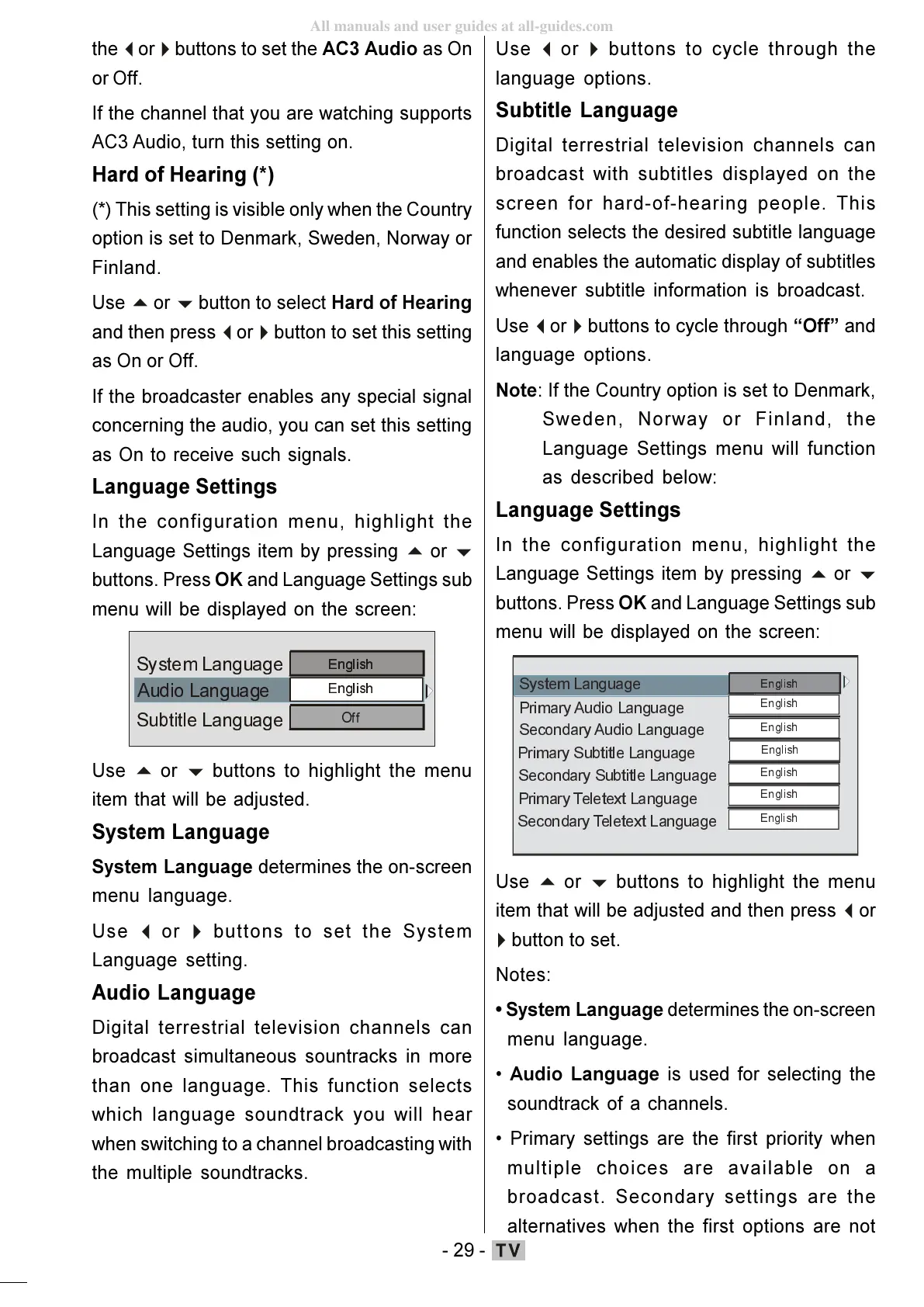
menu will be displayed on the screen:
$XGLR/DQJXDJH
6XEWLWOH/DQJXD JH
6\VWHP /DQ JXD JH
buttons to highlight the menu
item that will be adjusted.
System Language
System Language determines the on-screen
menu language.
Use
buttons to set the System
Language setting.
Audio Language
Digital terrestrial television channels can
broadcast simultaneous sountracks in more
than one language. This function selects
which language soundtrack you will hear
when switching to a channel broadcasting with
the multiple soundtracks.
Use
buttons to cycle through the
language options.
Subtitle Language
Digital terrestrial television channels can
broadcast with subtitles displayed on the
screen for hard-of-hearing people. This
function selects the desired subtitle language
and enables the automatic display of subtitles
whenever subtitle information is broadcast.
Use
buttons to cycle through Off and
language options.
Note: If the Country option is set to Denmark,
Sweden, Norway or Finland, the
Language Settings menu will function
as described below:
Language Settings
In the configuration menu, highlight the
Language Settings item by pressing
buttons. Press OK and Language Settings sub
menu will be displayed on the screen:
6HFRQGDU\ $XGLR/DQJXDJH
3ULPDU\6XEWLWOH/DQJXDJH
6HFRQGD U\6 XEWLWOH/DQJX DJH
3ULPDU\7HOHWH[W/DQJXDJH
6HFRQGDU\7HOHWH[W/DQJXDJH
buttons to highlight the menu
item that will be adjusted and then press
button to set.
Notes:
System Language determines the on-screen
menu language.
Audio Language is used for selecting the
soundtrack of a channels.
Primary settings are the first priority when
multiple choices are available on a
broadcast. Secondary settings are the
alternatives when the first options are not
ENG-01-TV-22784W-1165UK-MB29-PEUIDTV-(1SCRT-AV-YPBPR-HP-SPDIF-STRLOUT-PCIN)-10060401-5013xxxx.p6511.10.2008, 17:3729
All manuals and user guides at all-guides.com









 To Next Page