31
22” TFT TV Service Manual
12. SERVICE MENU SETTINGS
All system, geometry and white balance alignments are performed in production service mode. Before
starting the production mode alignments, make sure that all manual adjustments are done correctly. To
start production mode alignments enter the man menu by pressing “M” button and then press the digits 4,
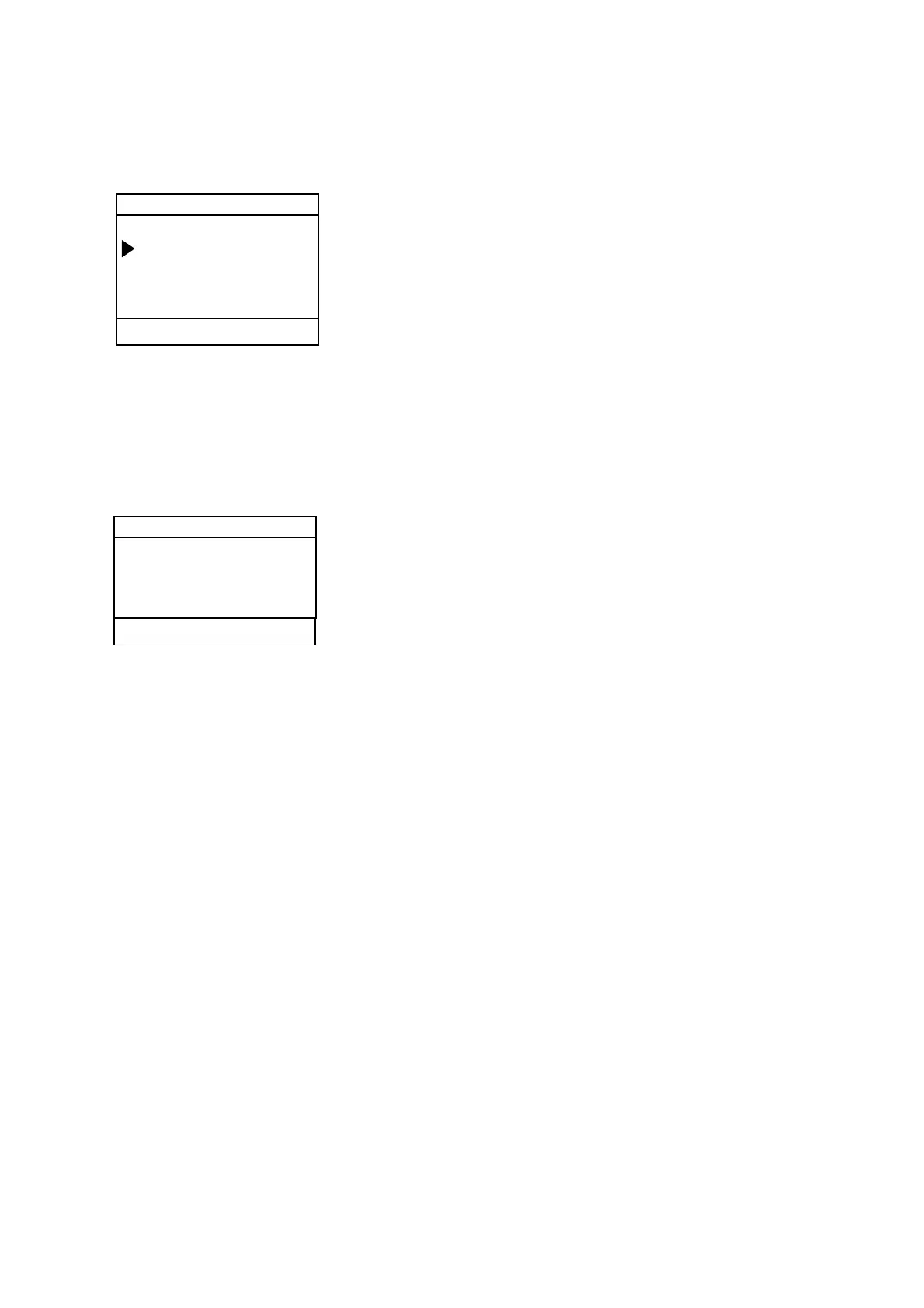
7, 2 and 5 buttons respectively. The following menu appears on the screen.
After entering the Service menu, you can access its items by pressing “/” buttons. In order to enter
selected menu, use “/” buttons. To exit the service menu press “M” button.
Entire service menu parameters of TFT TV are listed below.
12.1. ADJUST MENU SETTINGS
In order to enter Adjust menu, move the cursor to Adjust… parameter by pressing “/” buttons in
Service Menu and press “/” button. The following menu appears on the screen.
There is no items for adjustment in ADJUST menu for now.
Adjust...
P 08 CNN S 04 BG 463
Service
Adjust...
Options...
Aps Wss Test
TFT22 Version Time Date



 To Next Page