EN 24
Playback les
1
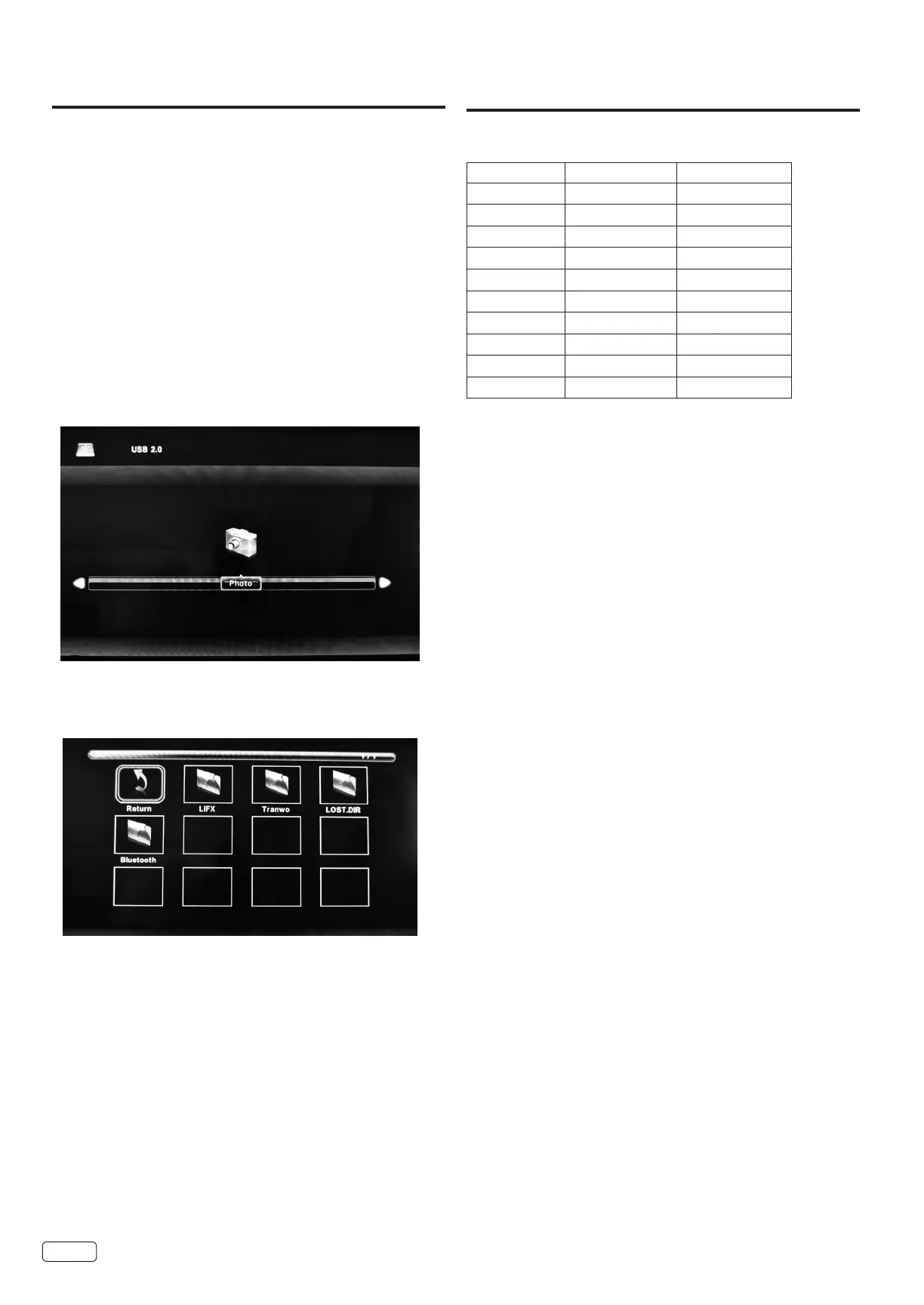
Press
OK
to select Photo.
2
Press OK to select “C”.
3
Select a folder or le using the ▲/▼/◀/▶buttons and then start
photo viewing with OK.
JPEG Viewer
You can enjoy viewing pictures from your USB storage
device.
1
Connect the USB storage device into the USB Input terminal.
2
Press INPUT and press
▲ or ▼
to select “USB”, then press
OK
.
NOTE:
• Do not disconnect a USB storage device while it is being
accessed. Doing so can damage the device or the les stored
on the device. You can safely connect or disconnect the USB
storage device when the TV is not in USB mode.
• Back up all the data in the USB storage device in case if data
was lost due to unexpected accident. We do not assume any
liability for the losses by misuse or malfunction.
• Not all USB storage devices are compatible with this TV.
• The character that exceeds the display area is not displayed.
• Do not use a USB extension cable.
• Playable les are JPEG (.jpg/.jpeg).
USB Browser
File Selection
NOTE:
• The content will change in accordance with each
media setting screen.
PC Input - Supported format
Mode Resolution Refresh rate
720 x 480 70Hz
VGA 640 x 480 60Hz
SVGA 800 x 600 60Hz
XGA 1024 x 768 60Hz
WXGA 1028 x 720 60Hz
WXGA 1366 x 768 60Hz
SXGA 1280 x 1024 60Hz
WXGA+ 1440 x 900 60Hz
WSXGA+ 1680 x 1050 60Hz
FHD 1920 x 1080 60Hz
Addition Information


 To Next Page