23
USB Mode (Cont.)
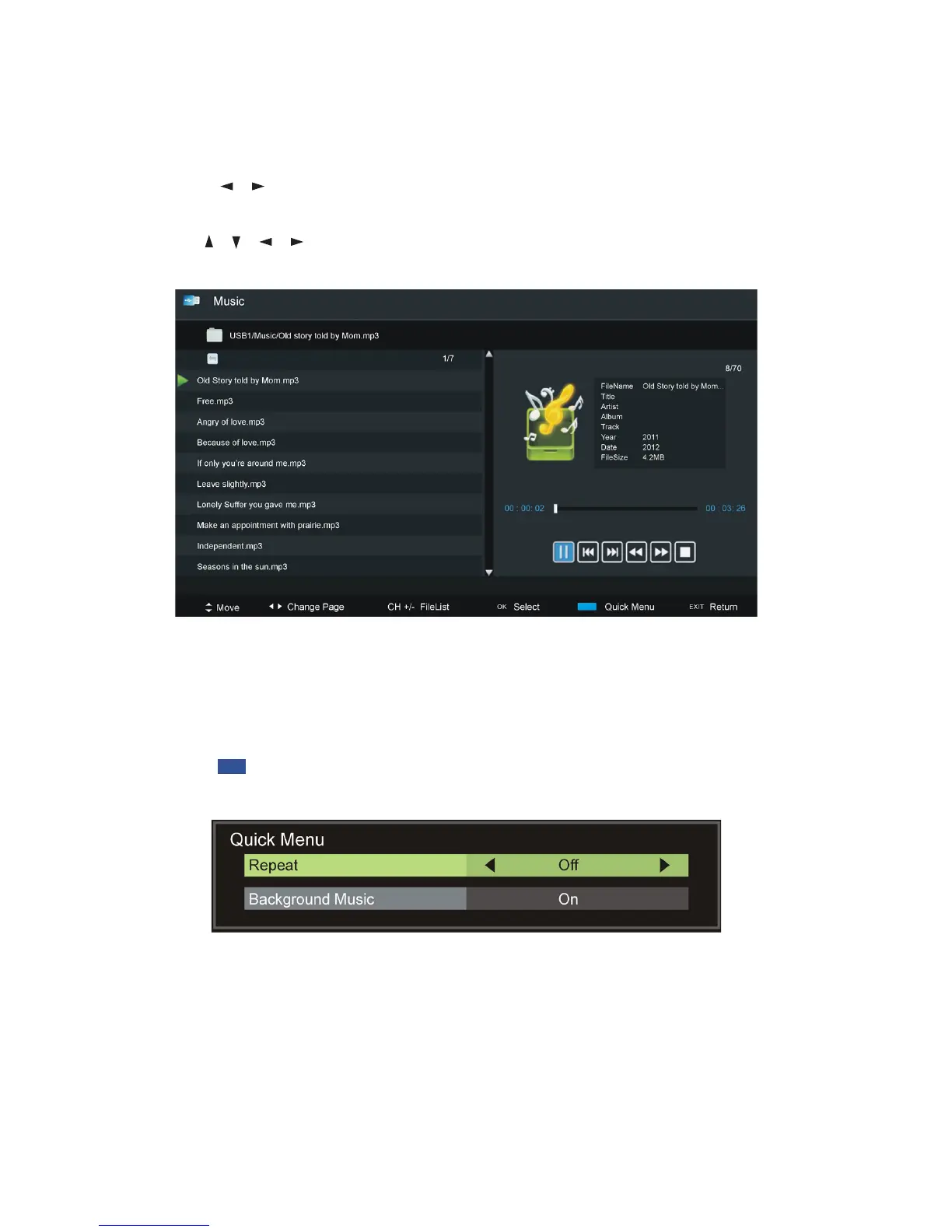
Music
sPress the / buttons to select Music in the main menu, then press OK to
enter it. Music files can only be played in this menu category.
sUse the / / / buttons to select the desired folder or file, then press OK
to open the folder or start playing the file.
When playing music files:
sPress the CH+/- button on the remote control to switch between Player and
File List.
sPress the BLUE button on the remote control to display the Quick Menu,
press it again to dismiss the menu.
Repeat: Select the desired repeat mode.
Background Music: Turn on/off background music.















 To Next Page