24
USB Mode (Cont.)
Movie
sPress the / buttons to select Movie in the menu, then press OK to enter.
Movie files can only be played in this menu category.
sUse the / / / buttons to select the desired folder or file, then press OK
to open the folder or start playing the file.
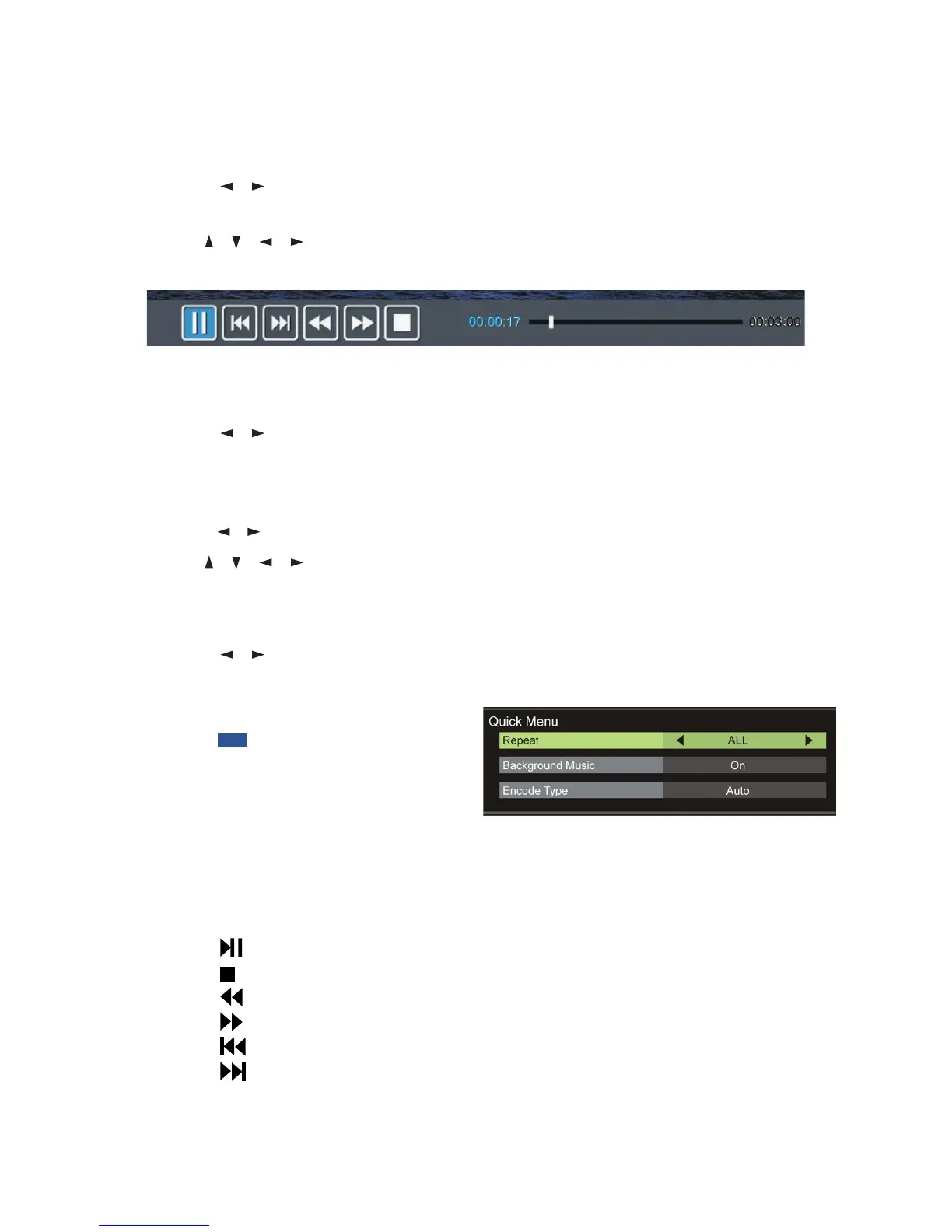
When playing movie files:
sPress the DISPLAY button on the remote control to hide/display the tool bar.
sPress the / buttons to select the preferred option, then press OK to
confirm.
Text
sPress the / buttons to select Text in the main menu, then press OK to enter.
sUse the / / / buttons to select the desired folder or file, then press OK
to open the folder or start playing the file.
When playing text files:
sPress the / buttons to display the previous/next page.
sInput your desired page using the number buttons, then press OK to go to
the desired page.
sPress the BLUE button on the
remote to display the Quick Menu,
press it again to dismiss the menu.
Repeat: Select the repeat mode.
Background Music: Turn on/off background music.
Encode Type: Select the encode type.
Remote operations when playing multimedia files:
sPress the button on the remote control to play or pause playing.
sPress the button on the remote control to stop playing.
sPress the button on the remote control to move fast backward.
sPress the button on the remote control to move fast forward.
sPress the button on the remote control to play the previous file.
sPress the button on the remote control to play the next file.
NOTE: To play your multimedia files, make sure you have selected the correct
icon in the main media playback menu.















 To Next Page