26
Menus (Cont.)
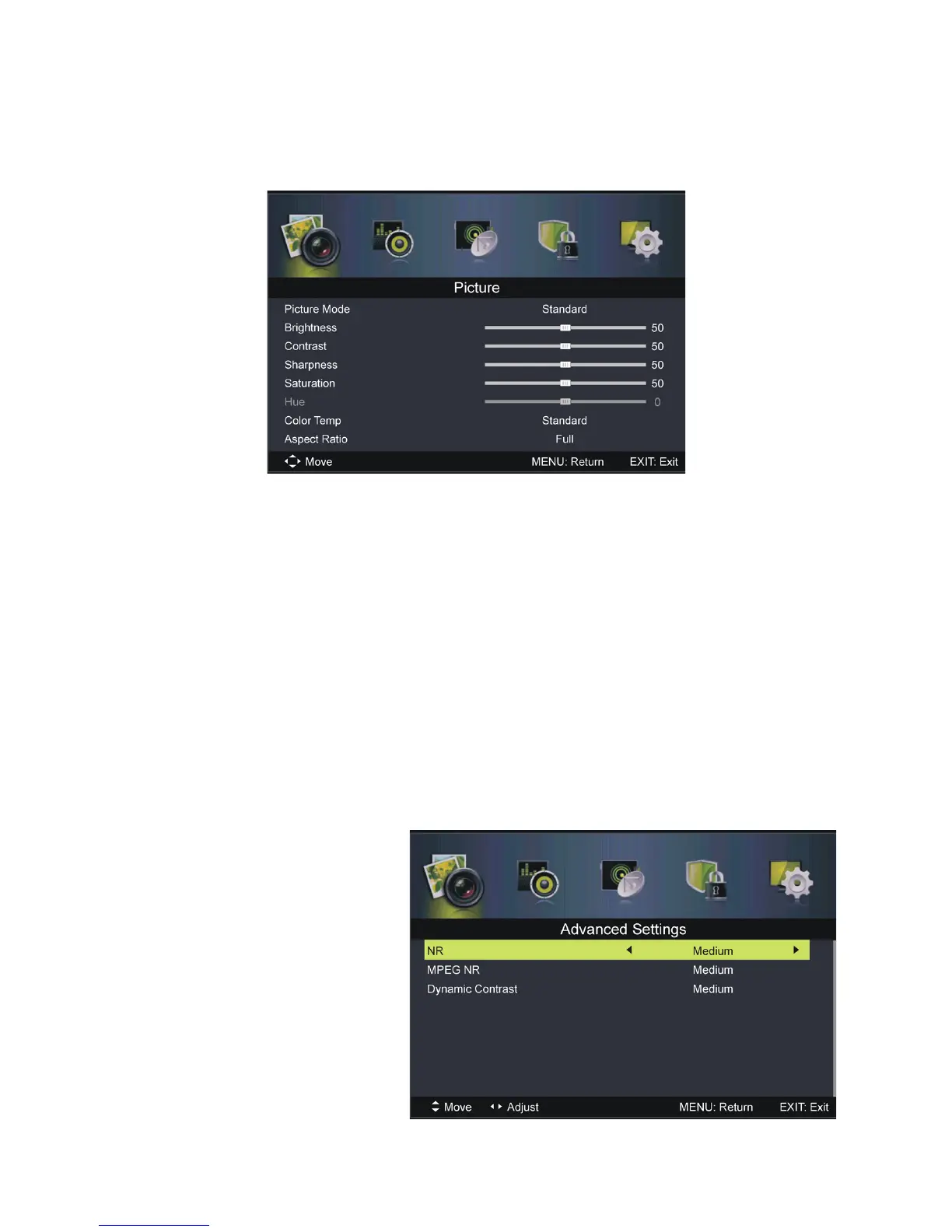
Picture menu (DTV & ATV mode)
Picture Mode: Available options: Standard, Mild, Personal, Dynamic.
Brightness / Co ntrast / Sharpness / Saturation: These values can be
adjusted from 0-100. NOTE: When these values are
adjusted, picture mode will automatically switch to Personal.
Hue: Use this ite m to adjust the colour tone (for NTSC system only) from
-50 to 50.
Colour Temp: U se this item to adjust the optimum colour temperature for
suitable viewing. Available options: Normal, Cool, Warm.
Aspect Ratio: U se this item to adjust the video size. Available options: 4:3,
Full, Zoom1, Zoom2, Just Scan.
NOTE: If there is no signal, pressing the ASPECT button on
the remote control will not work. The available video size may
be different in
different input
sources.
Advanced Settings:
NR (Noise Reduction):
Available options:
Off, Weak, Medium, Strong.
MPEG NR (MPEG Noise
Reduction): Available options:
Off, Weak, Medium, Strong.
Dynamic Contrast:
Available options:















 To Next Page