29
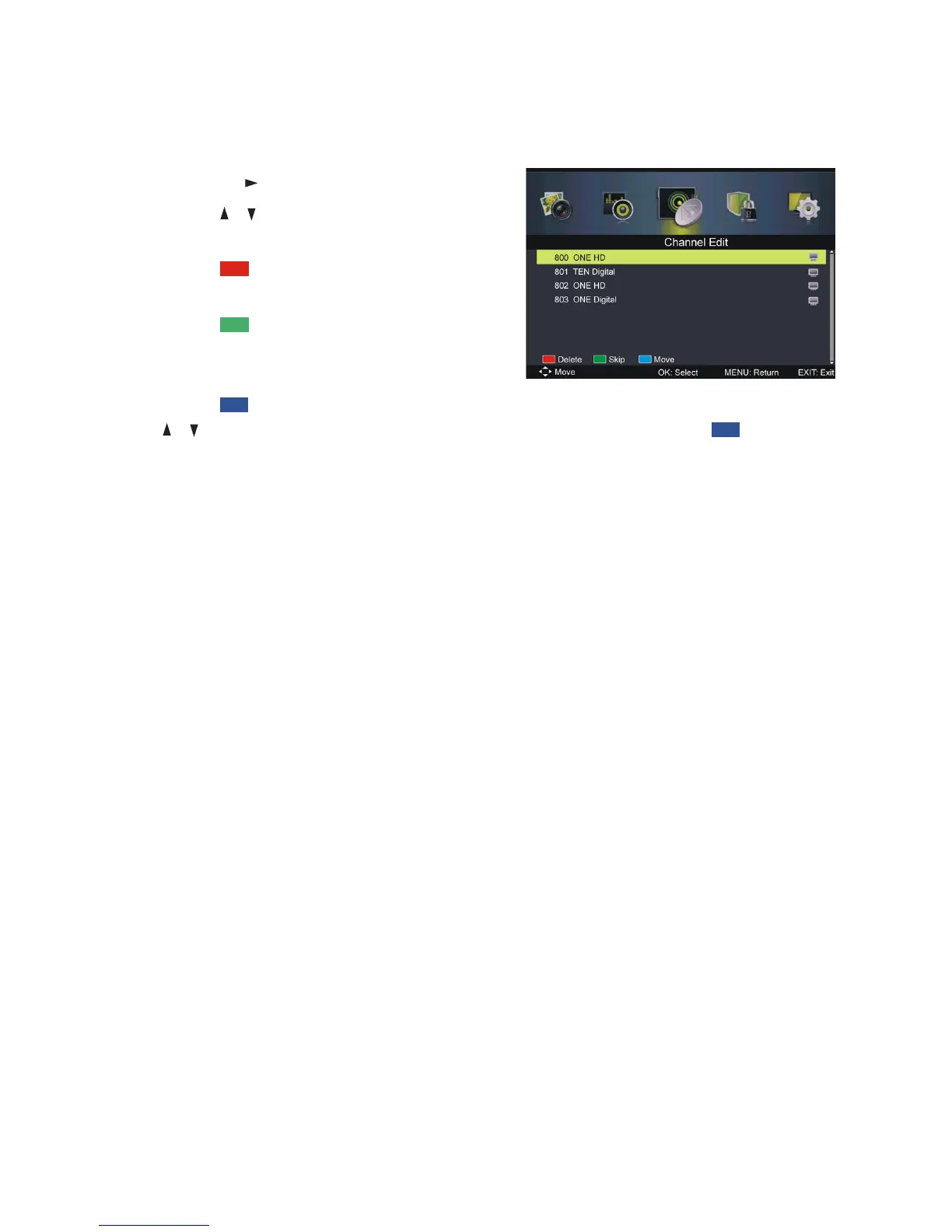
Channel Edit
sPress OK or to enter.
sPress the / button to highlight the
desired channel.
sPress the RED button on the remote
control to delete the highlighted channel.
sPress the GREEN button on the
remote control to skip the highlighted
channel.
sPress the BLUE button on the remote control to enter Move mode. Use
the / buttons to select the preferred position, then press the BLUE
button again to move the channel.
Signal Information
This item is used to display signal details, such as Channel Number,
Frequency, Quality and Strength.
Menus (Cont.)















 To Next Page