33
Auto Sleep: This item is used to select desired Auto Sleep (standby)
duration. Available options: Off, 3/4/5 hours.
Time Zone: This item is used to select desired time zone.
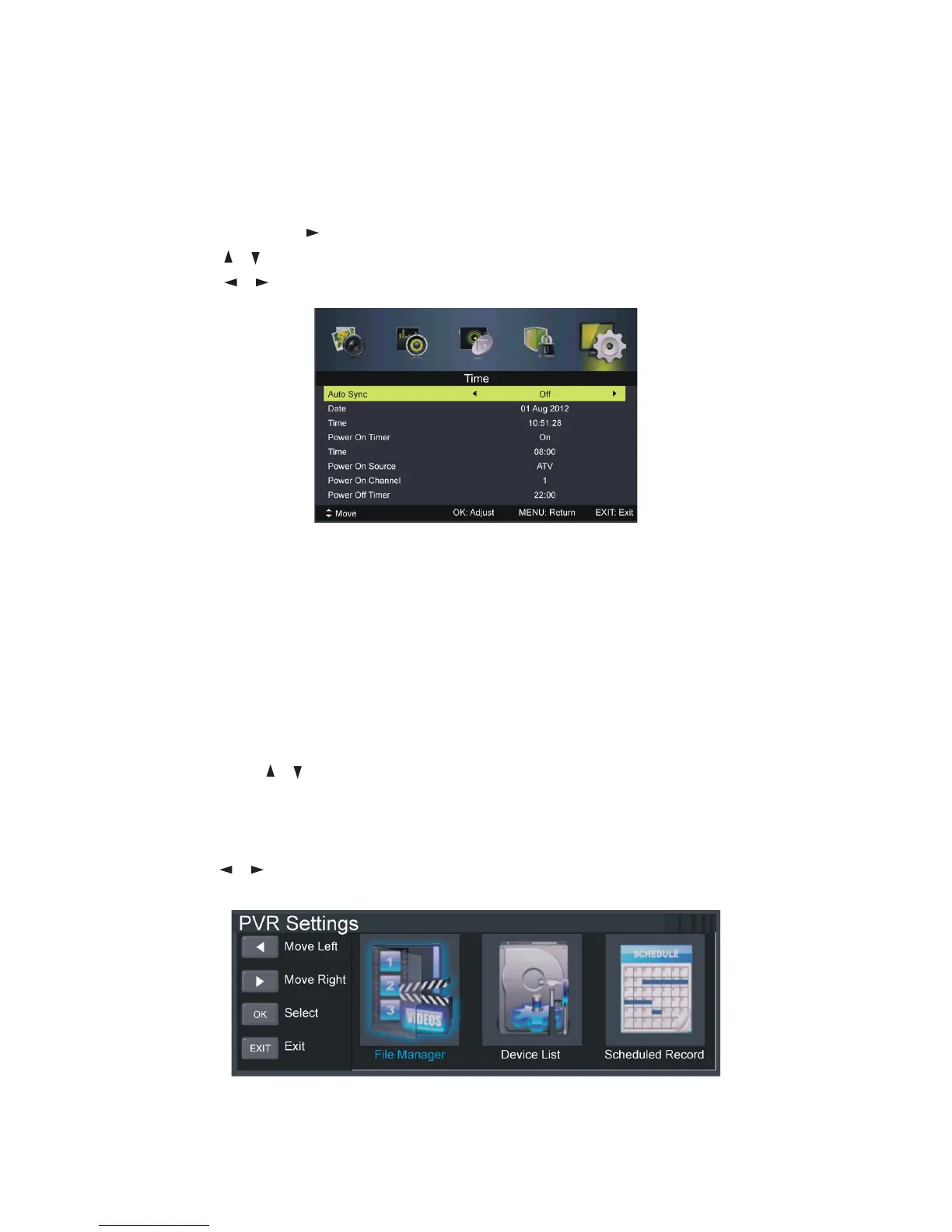
Time: Press OK or to enter it.
Press the
/ button to select the desired item.
Press the / button to adjust the value.
Auto Sync: Synchronise the time with your channel if Auto Sync is on. And
when Auto Sync is off, you can adjust the Date and Time.
Power On Timer: Turn the auto power on timer on or off. You can adjust the
Time, Power On Source, Power On Channel when this timer is on.
Power Off Timer: Turn the auto power off timer on or off You can adjust the
Time when this timer is on.
To adjust the date and (or) time:
sHighlight the date and (or) time and press OK to enter the adjusting page.
sPress the
/ button to adjust it.
sPress OK to confirm the setting; press EXIT to cancel it.
PVR Settings
sPress the / button to select the item, then press OK to enter it.
Menus (Cont.)















 To Next Page