34
Menus (Cont.)
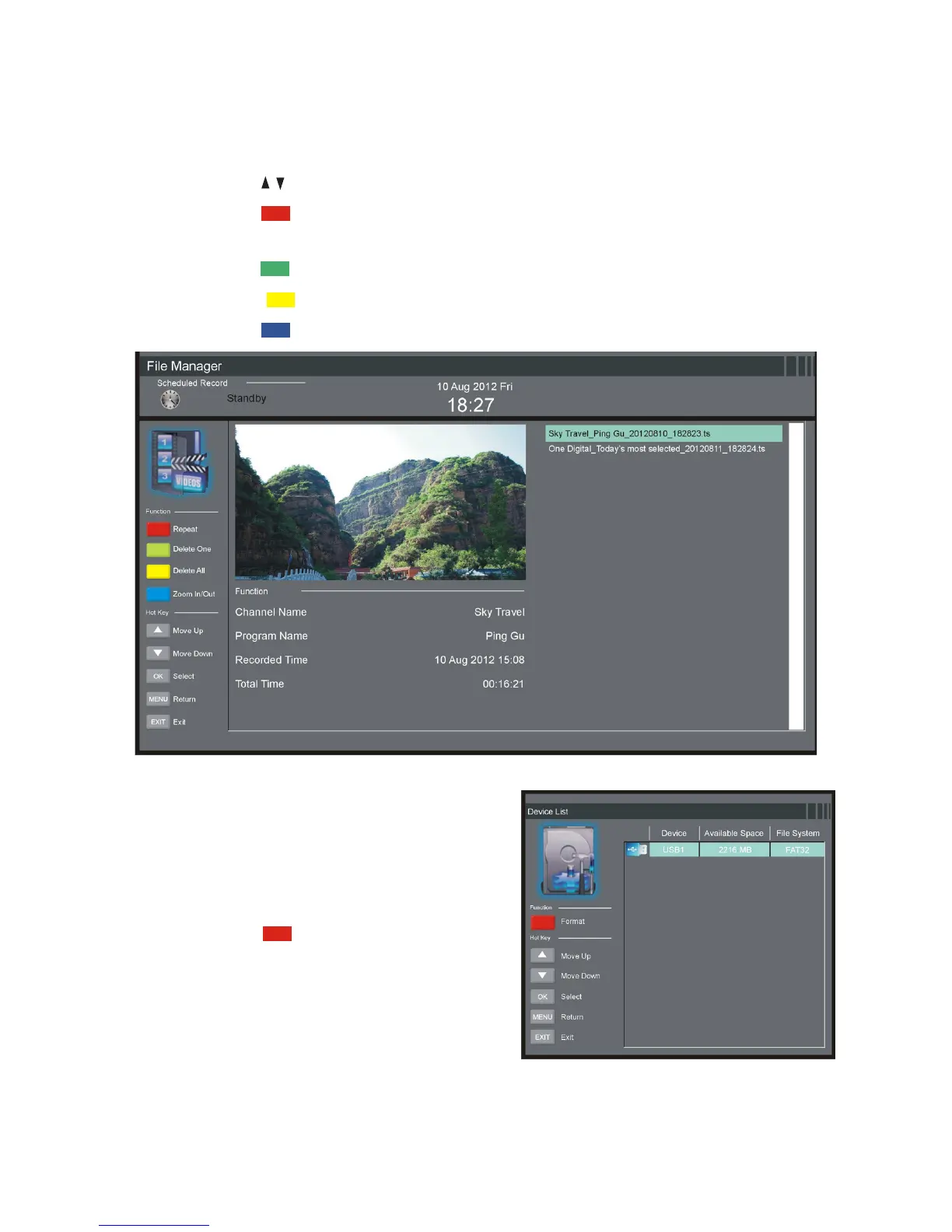
File Manager
sPress the / button to select a recorded file.
sPress the RED button on the remote control to play the highlighted
file from the beginning.
sPress the GREEN button to delete the highlighted file.
sPress the YELLOW button to delete all recorded files.
sPress the BLUE button to zoom in/out.
Device List
sIn this item you can check the
available space and file system of
your memory device connected to
USB1 port.
sPress the RED button on the
remote control to format your USB1
memory device.















 To Next Page