36
PC Mode
sConnect a personal computer to this unit and power on both the computer
and this unit.
sPress the SOURCE button on the bottom of the front panel, or on the remote
control, to select PC input source.
sPress the MENU button to display the main menu, then select Picture using
the / buttons.
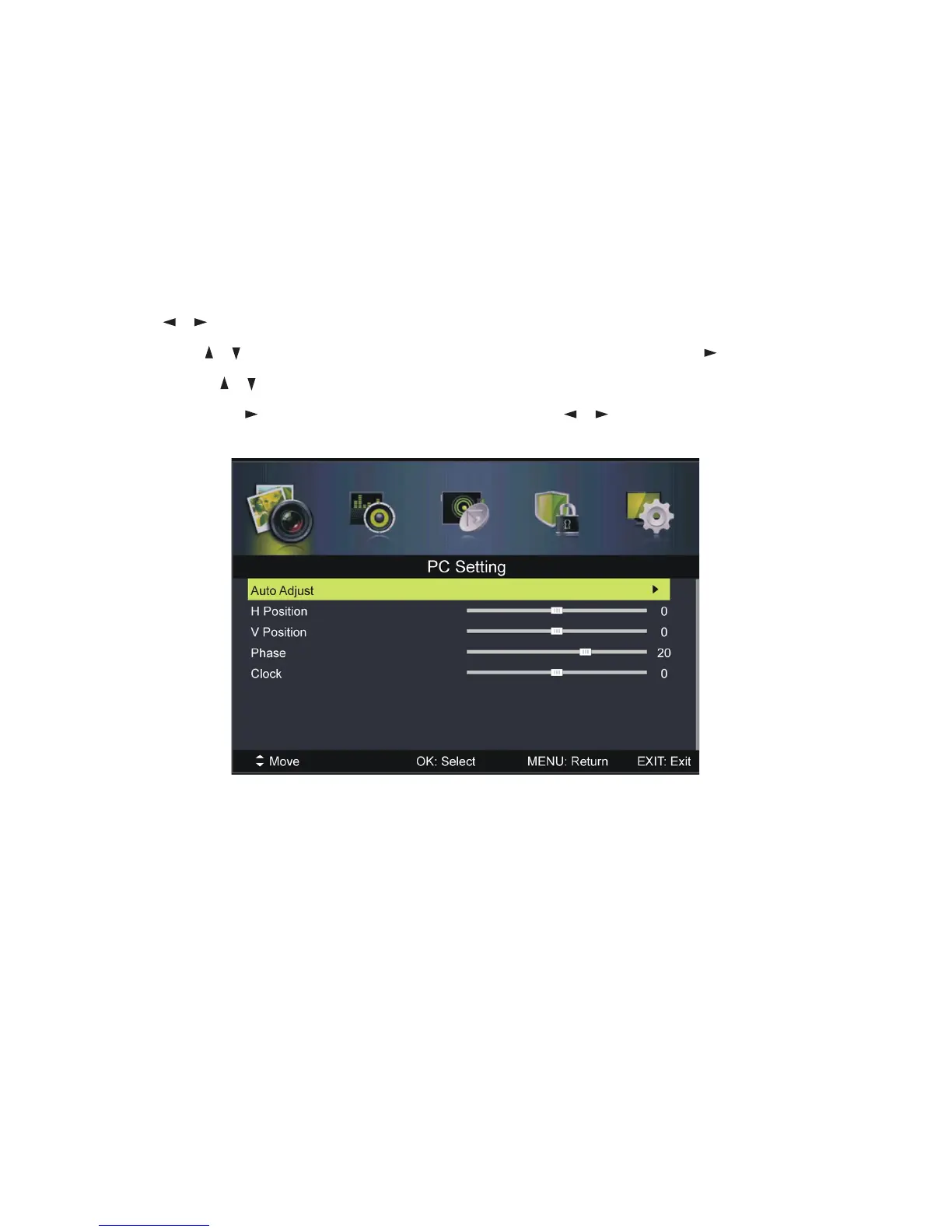
sUse the / buttons to highlight PC Setting, then press OK or to enter.
sPress the / buttons to select the preferred item.
sPress OK or to enter the submenu, press the / buttons to adjust the
value.
Auto Adjust
Use this item to adjust the PC screen automatically.
H Position
Use this item to adjust the horizontal position value from -30 to 30.
V Position
Use this item to adjust the vertical position value from -30 to 30.
Phase
Use this item to adjust the phase value from 0 to 31.
Clock
Use this item to adjust the signal transfer speed from -30 to +30.
NOTE: For other menu operations in PC mode, please refer to the menu
operations of DTV mode.
NOTE: A signal must be connected in order to change these settings.
Menus (Cont.)















 To Next Page