43
DVD Mode (Cont.)
Video CD playback
sWhen playing a VCD 2.0 with playback
control (PBC), the player will show the
VCD version.
sPress the D.MENU button on the remote
control repeatedly to set PBC to ON or
OFF.
sPress the number buttons to select a
corresponding track.
Example:
To play track 9, press 0 and 9, several seconds later, it will automatically
switch to track 9.
To play track 15, press 1 and 5, several seconds later, it will automatically
switch to track 15.
sPress the or button to play the previous or next track.
USB 2 / Memory Card playback
While in DVD mode, you can use the USB2 port and memory card slot (next
to the DVD compartment at the side of the TV set) to play back content from
these storage media.
To switch to USB/Card playback in DVD mode, use one of the two methods
described below and opposite.
Method 1:
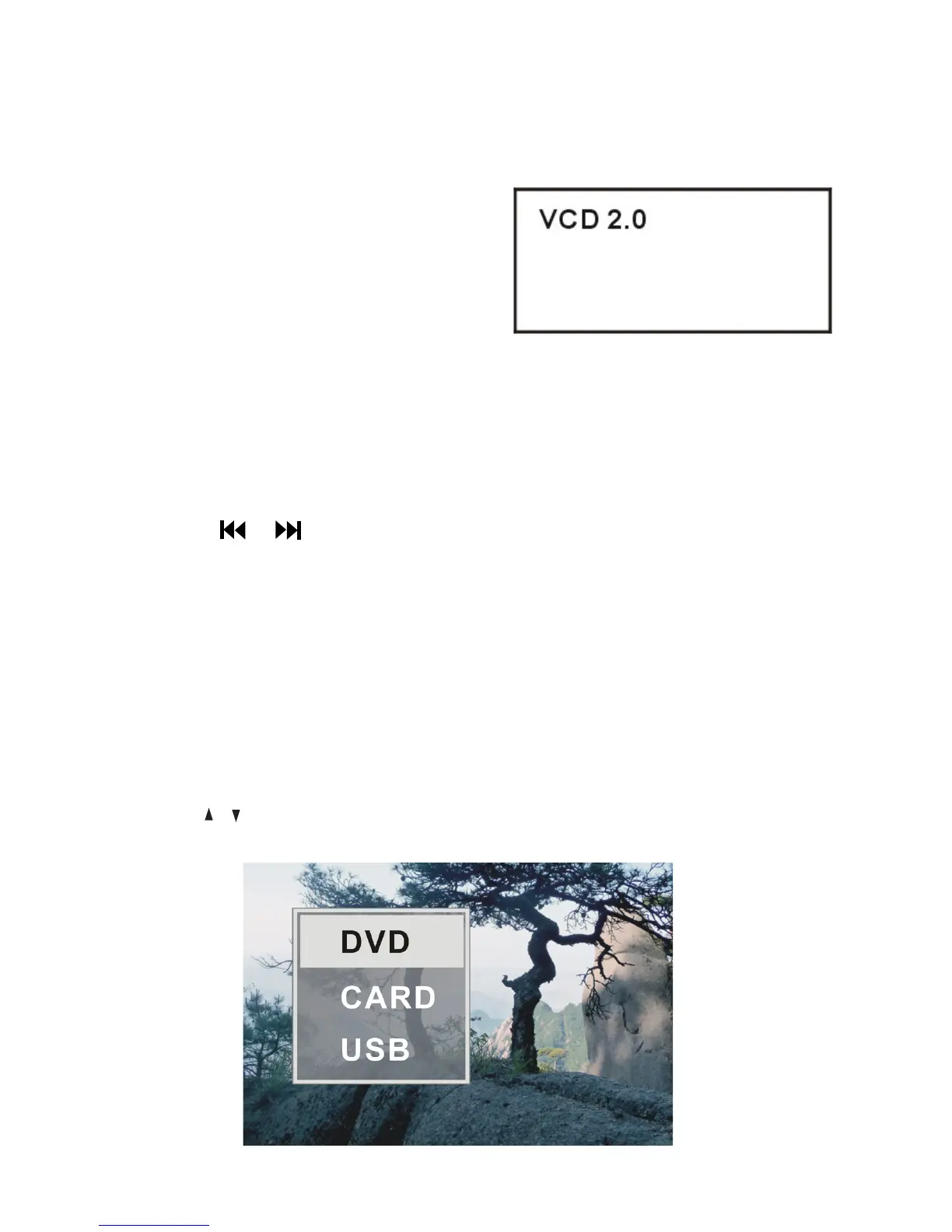
sPress the MEDIA button on the remote control to display the source list.
sUse the
/ button to select CARD or USB, then press OK to enter
playback mode.















 To Next Page