44
DVD Mode (Cont.)
Method 2:
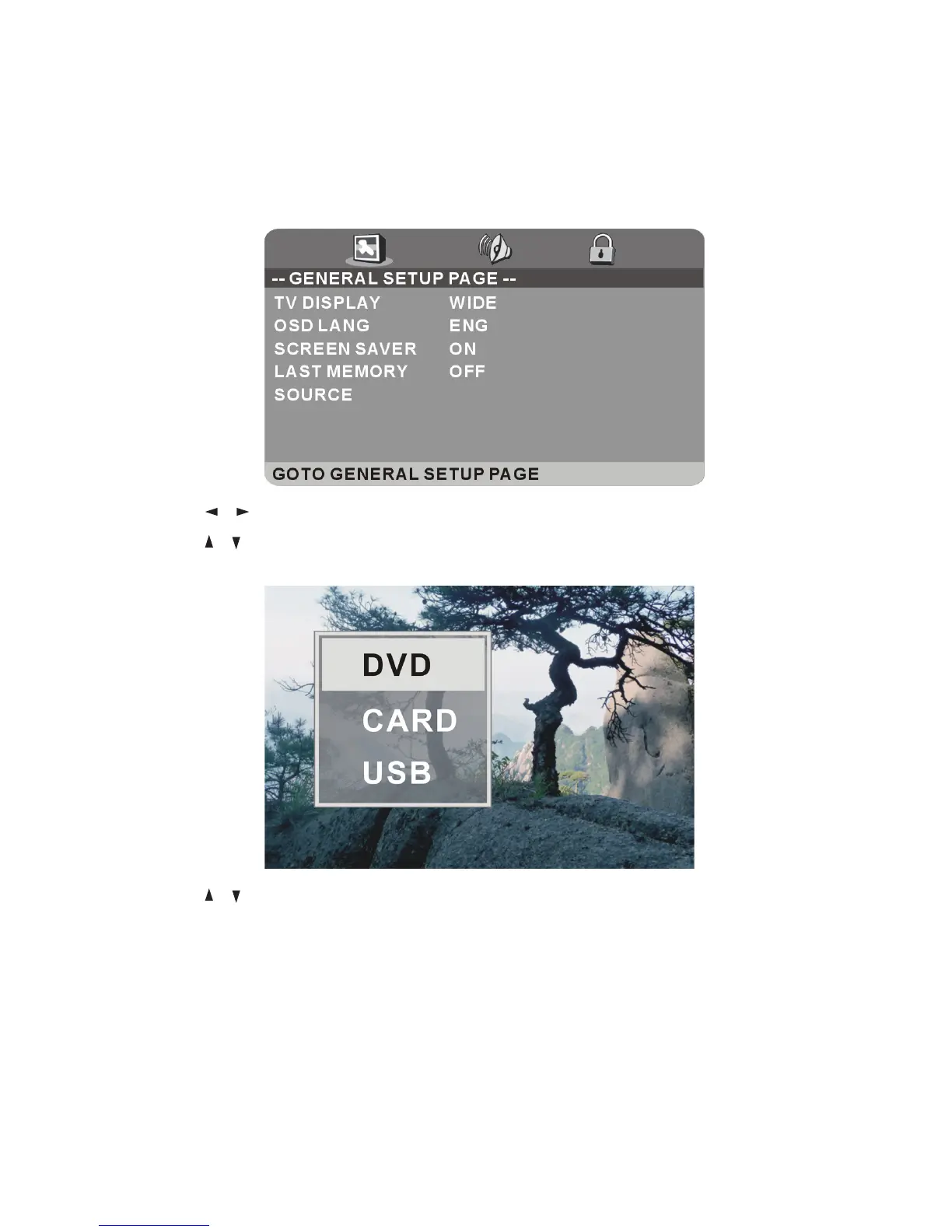
sPress the D.SETUP button on the remote control to display the DVD menu
setup page.
sUse the / buttons to select General Setup.
sUse the
/ buttons to select SOURCE, press OK twice to enter the source
list.
sUse the
/ buttons to select CARD or USB, then press OK to enter
playback mode.
(Playback controls and functions are explained on the following page.)















 To Next Page