48
DVD Mode (Cont.)
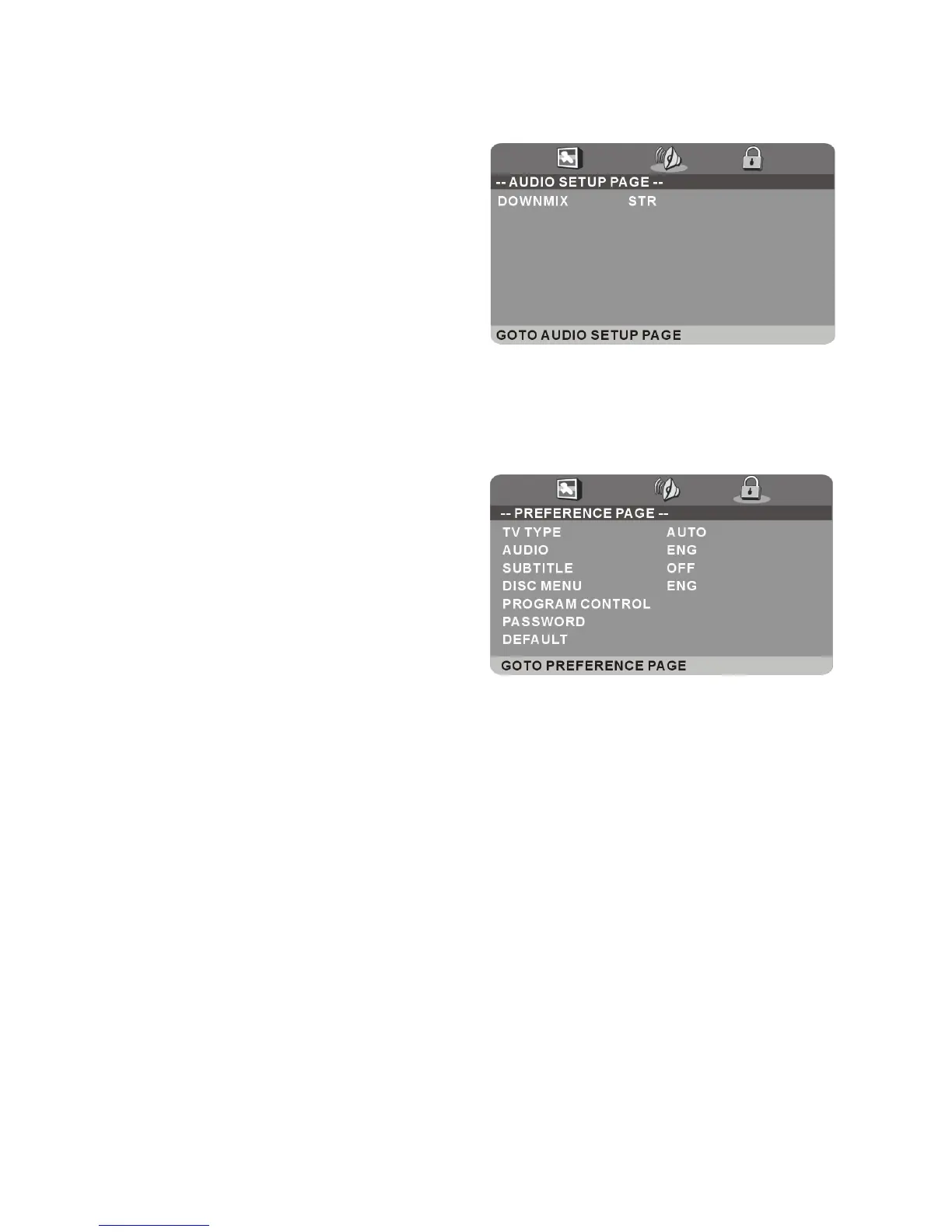
Preference setup page
TV Type: Select the TV system.
Audio: Use this item to select the
desired audio language, if your disc
contains multiple audio languages.
Subtitle: Use this item to select the
desired subtitle language, if your disc
contains multiple subtitle languages.
Disc Menu: Use this item to select the
desired language of your disc menu, if
your disc menu contains multiple menu languages.
Program Control: Use this item to select the desired program rating.
Password: Use this item to change the password. Input the password using
the number buttons on the remote control. The default password is “0000”.
NOTE: If you forget the password, please use the master password “4711”.
Default: Use this item to reset to factory settings.
Audio setup page
Downmix: Use this item to select the
desired audio output mode.
Available options:
LT/RT: Left/Right mix mode
Stereo mode















 To Next Page